Austin & Central Texas · 3D virtual tours
Matterport
3D Tours.
Give them more than a view.
Give them a place to explore.
Explore a real 3D tour
Spaces. Platforms. Possibilities.
3D Tour Services
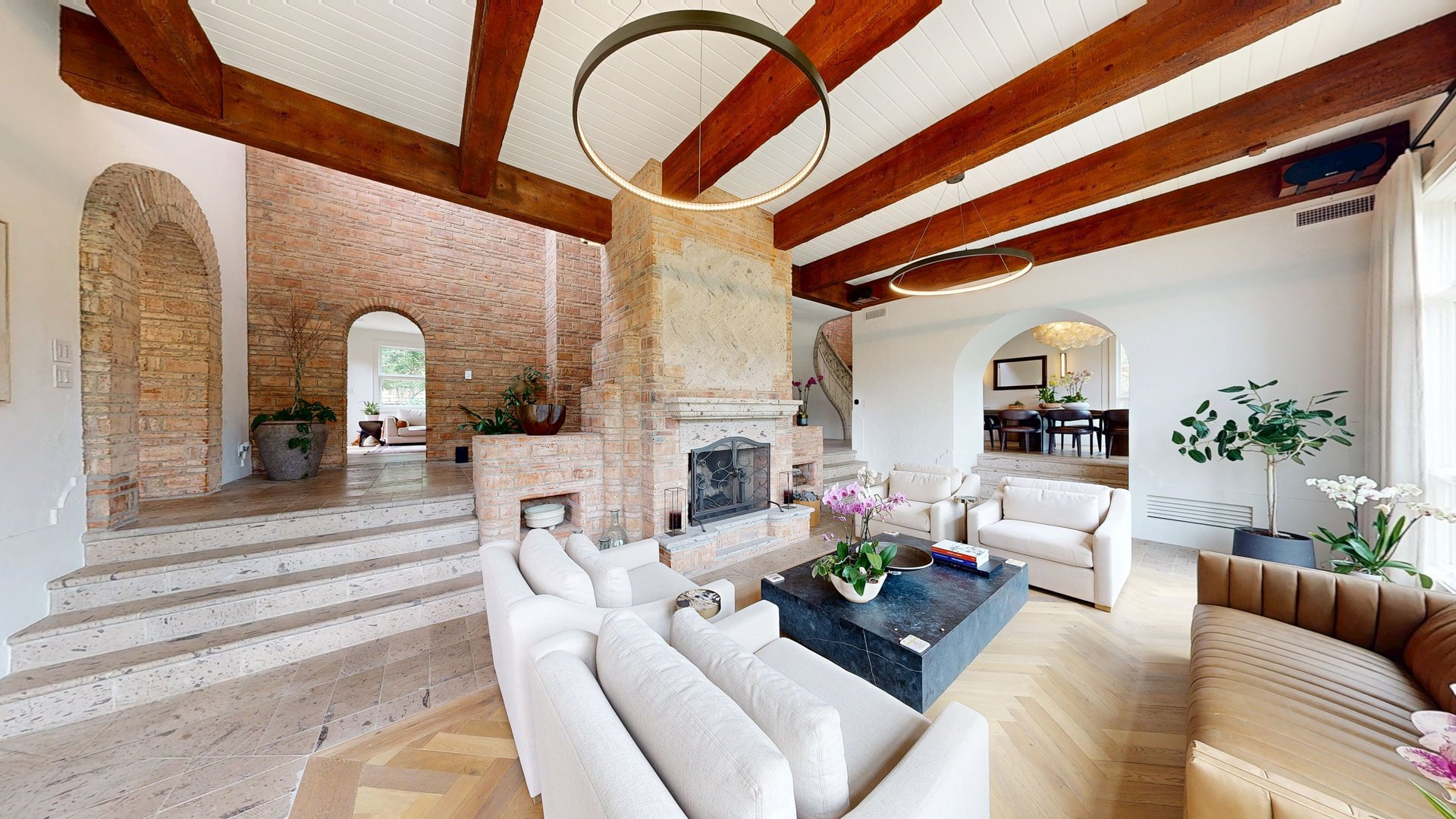
01 / HomesResidential Matterport tours
Let buyers walk through a listing and understand the home before they arrive.
 02 / Business spaces
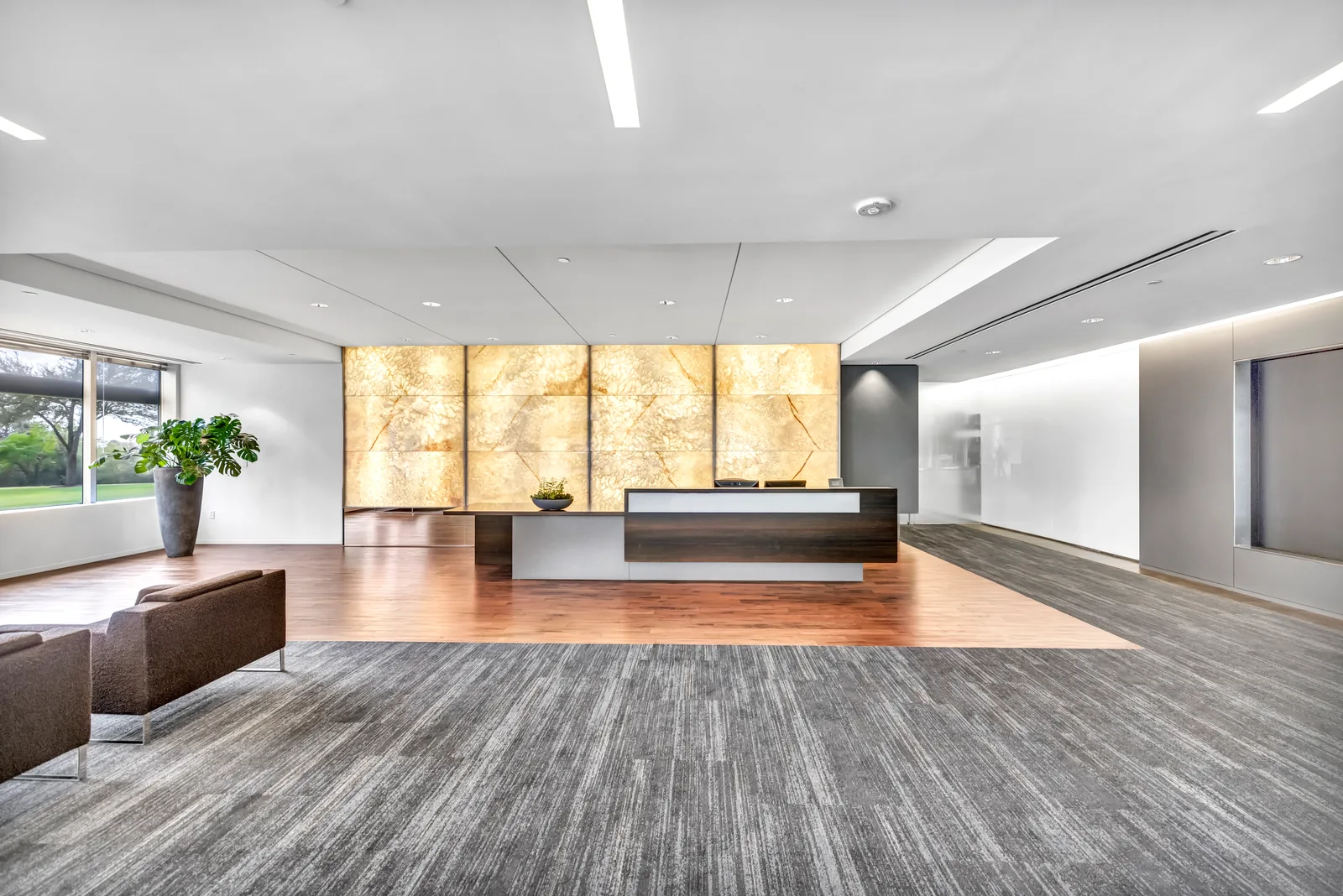
Commercial Matterport tours
Give clients, tenants and teams a clear view of offices, retail and workspaces.
 03 / Communities
Multifamily Matterport tours
Help future residents explore units, shared spaces and the flow of the community.
 04 / Zillow listings
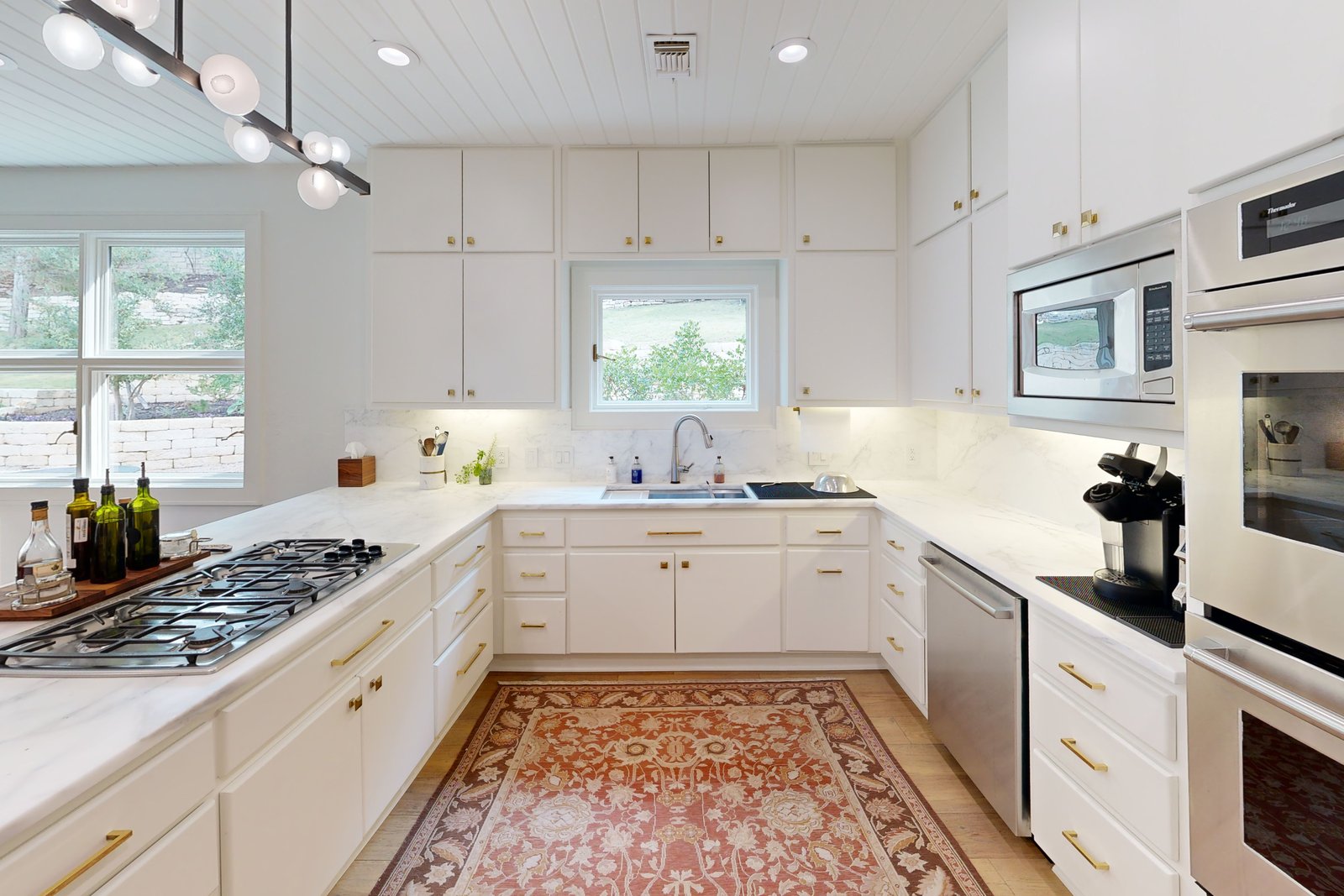
Zillow 3D Home tours
A room-by-room look for people discovering a home on Zillow.
 05 / Google Maps
Google Street View tours
Invite customers into your business with a 360° tour on Google Search and Maps.
 06 / With your Matterport tour
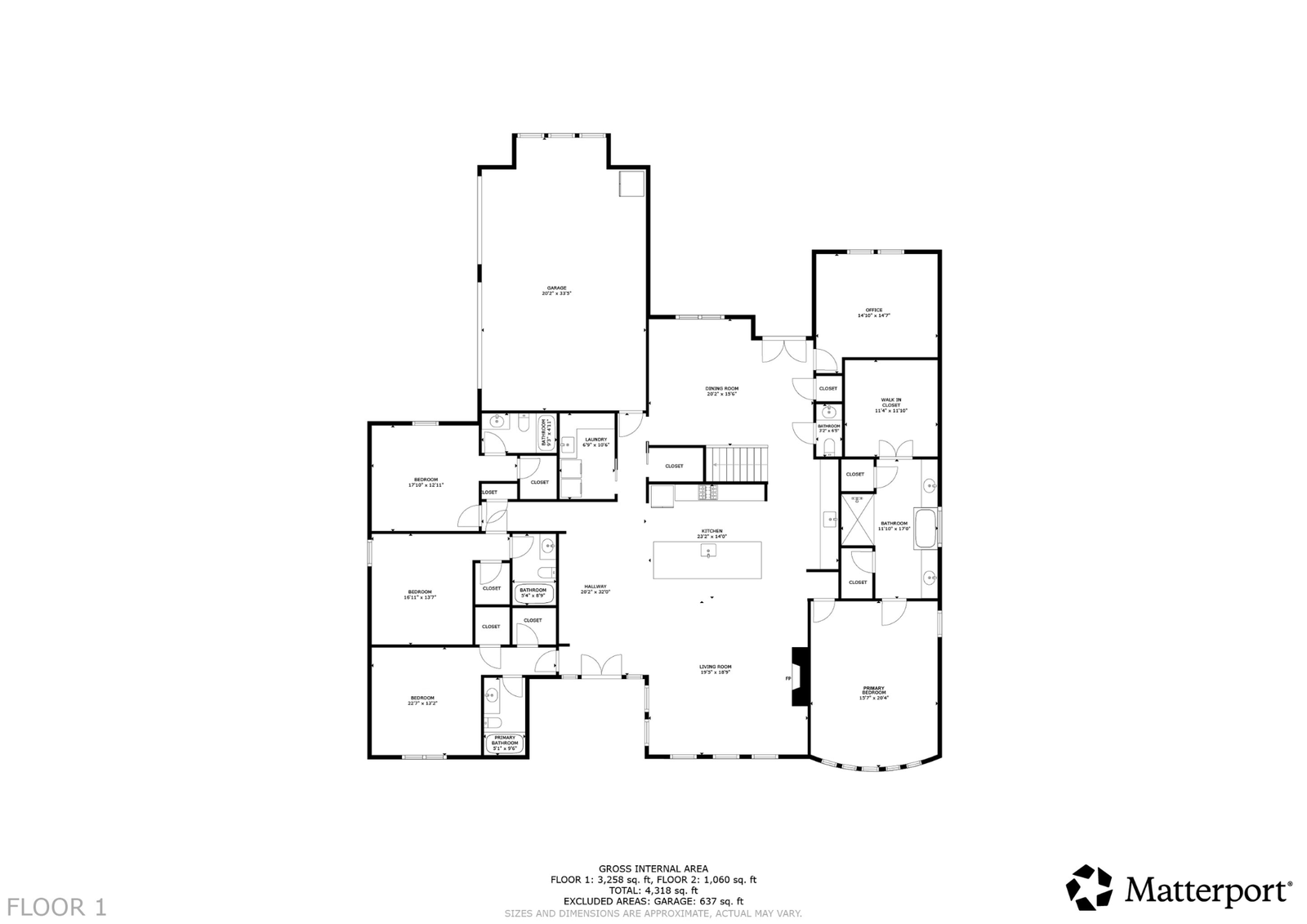
Floor plans
Keep the layout beside the walkthrough. Ask about floor-plan options for your scan.
A different way to see it
Look around.
Get a feel for the place.
Opening the 3D tour…
Explore at your pace.
Open full screen
Drag to look around. Tap to move through the rooms.
Find the right fit
Where will they
step inside?
The property is one part of the choice. The place you share the tour is the other.

Swipe to compare platforms
With your Matterport tour
Floor plans.
The layout at a glance.
Add a floor plan to your Matterport scan to show room names, dimensions and how the spaces connect.
See tour & floor-plan optionsExplore the sample floor plan
What’s the difference between a 3D tour and a video?
A Matterport 3D tour lets a viewer choose where to look and move through the property at their own pace. A video is an edited, guided introduction to the space. Both can be part of the same media plan.
Which tour is right for my property?
Matterport works for homes, commercial spaces and apartment communities. Zillow 3D Home is designed for residential Zillow listings. Google Street View puts a 360° business tour on Google Search and Maps. Share where you plan to use the tour and we can help choose.
Can I add a floor plan?
Yes. Ask about floor-plan options when you book your Matterport scan so we can plan the tour and layout together. View pricing or send us the address and property details.
How do I prepare for the scan?
Have the rooms clean, tidy and ready to show. Open the interior doors, clear the main paths and share access instructions. Let us know about any spaces or features you want included before the appointment.
Do you work outside Austin?
We work across Austin and Central Texas. Send the address and project details so we can confirm the shoot plan, schedule and any travel arrangements.

Your next property
Let them
feel at home.
Give buyers, renters and customers
a place they can explore.