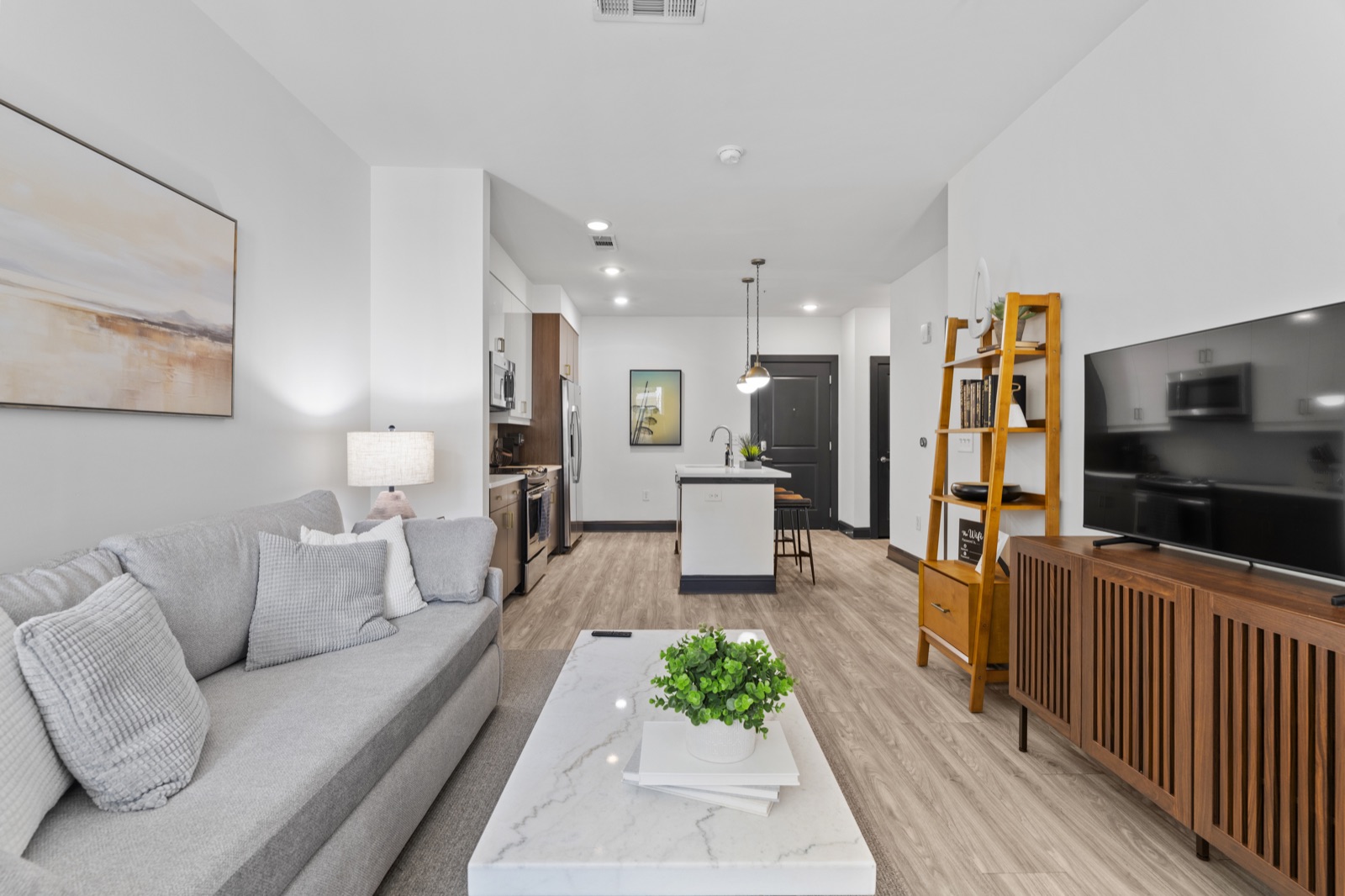
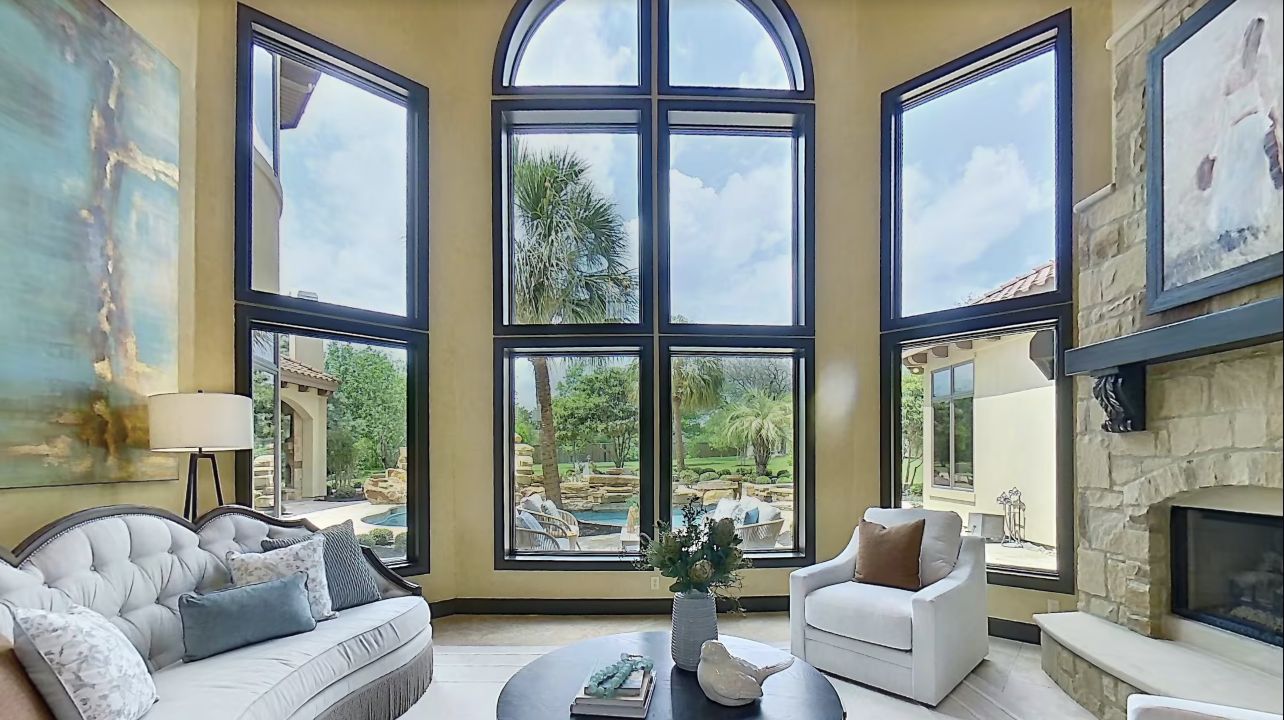
Let them look around.
Shoppers can explore connected room panoramas on the Zillow home details page. The tour adds spatial context to listing photographs rather than replacing the images that first catch someone’s eye.
Austin & Central Texas
Let buyers and renters get a feel for the rooms before they step through the door.
A closer first look
A home is more than a collection of beautiful rooms. What matters is how they connect.
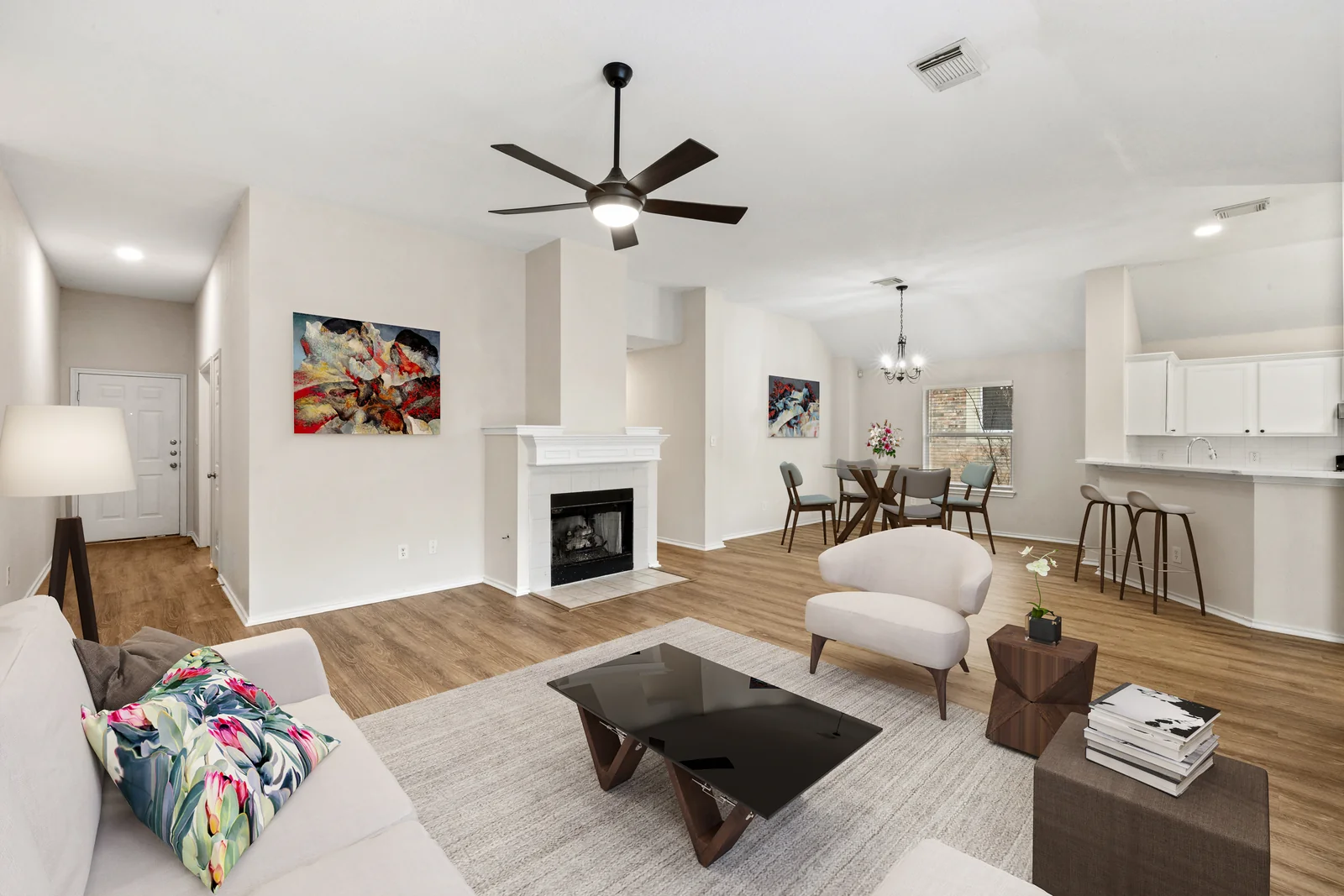
Zillow 3D Home gives shoppers an interactive view of a residential property. They can look around panoramic room images and move through the layout at their own pace on a Zillow listing. That extra sense of place can help someone understand the entry, main living areas and bedrooms before deciding to visit.
We create Zillow 3D Home tours for Austin sales and rentals. The capture plan starts with the property itself: which rooms belong in the story, where the walk begins and what a shopper will need to see. Tell us about the home and where the tour will be used, and we can confirm the available capture options and project scope.
Captured by Austin 360 Photography
Explore real Zillow 3D Home tours we captured. Choose a home to look around here.Tap a home to look around here.
Where the tour works
Zillow 3D Home is built for residential properties, including homes for sale and rentals. A captured tour can be connected to a Zillow listing, while sharing options help you use it in other places.
Shoppers can explore connected room panoramas on the Zillow home details page. The tour adds spatial context to listing photographs rather than replacing the images that first catch someone’s eye.
Zillow provides an unbranded tour link for MLS use. The finished tour can also be shared through a link in email, text or social posts, subject to the rules of each place you publish it.
A Zillow 3D Home interactive floor plan requires a compatible 360 camera. If that is part of your goal, tell us before booking so the equipment and deliverables can be confirmed for your project.
Platform details: Zillow 3D Home FAQs
From address to finished tour
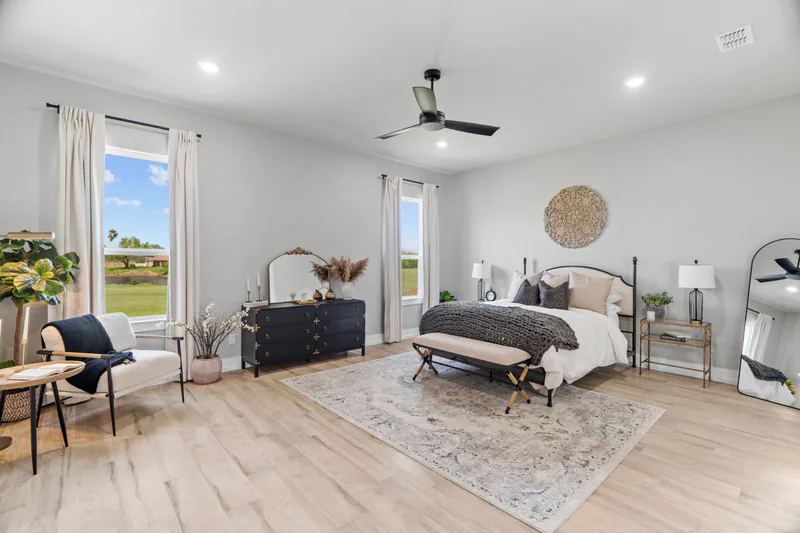
A little planning makes the rooms easier to explore. We’ll confirm the spaces, capture options and intended listing before the appointment.
Share the address, whether the property is for sale or rent, the spaces to include and whether an interactive floor plan matters to your listing.
Open the rooms to be shown, turn on the lights, quiet any moving fans and put away personal information. A clear path from one room to the next makes the experience easier to follow.
Check the room sequence, labels and visible details before adding the tour link to your marketing. Publishing and placement depend on the Zillow account and listing setup.
Have a floor plan in mind? Mention it when you inquire so we can confirm the right camera and capture scope.
Discuss a projectGood to know
Have a listing in mind? We can help sort out what to capture, how it should be shared and what needs to be confirmed before the appointment.
Ask us a questionA published tour can appear on the home details page of a residential Zillow listing, including eligible rentals. A separate link can be shared elsewhere. The listing and account setup affect how it is published.
Yes. Zillow says each 3D Home tour includes an unbranded link for MLS use. Check the current rules of your MLS before adding it.
No. Zillow requires a compatible 360 camera to create a 3D Home interactive floor plan. Tell us if you want that deliverable so we can confirm the capture setup and scope.
Yes. Zillow allows an unpublished 3D Home tour to be shared by link or embed code while you prepare the listing. We can discuss the review and sharing plan for your project.
Pricing depends on the property, requested capture and deliverables. Send us the address, approximate size and intended use, and we can confirm availability and a project-specific quote.
Ready when you are
Tell us about the home and what you want shoppers to understand. We will help decide whether a Zillow 3D Home tour fits and confirm the capture options for your listing.