
Before the shoot
Plan the public route.
Send the business address, approximate square footage, access window and the rooms you want shown. We choose a useful starting view and identify private offices, records or other areas to leave out.
Austin & Central Texas / Your business on Google
Connected 360° views of your customer-facing spaces, published to Google Maps.
A useful preview on Google Maps
Show the route a customer will take, from the entrance into the spaces they came to see.
A Street View tour lets someone turn inside your location and move between connected 360° viewpoints. For a restaurant, that might show the seating and patio. For a dental office, it can show the entrance and reception. Gyms, shops, hotels and venues can give visitors a clearer look at the areas they will actually use.
Our listed Street View package starts with a Matterport virtual tour of the space. We plan the customer-facing path and publish compatible imagery to an eligible Google Maps business location. The Matterport walkthrough and the Google Maps view are separate ways to explore the property. After publication, we provide the available share and embed links.
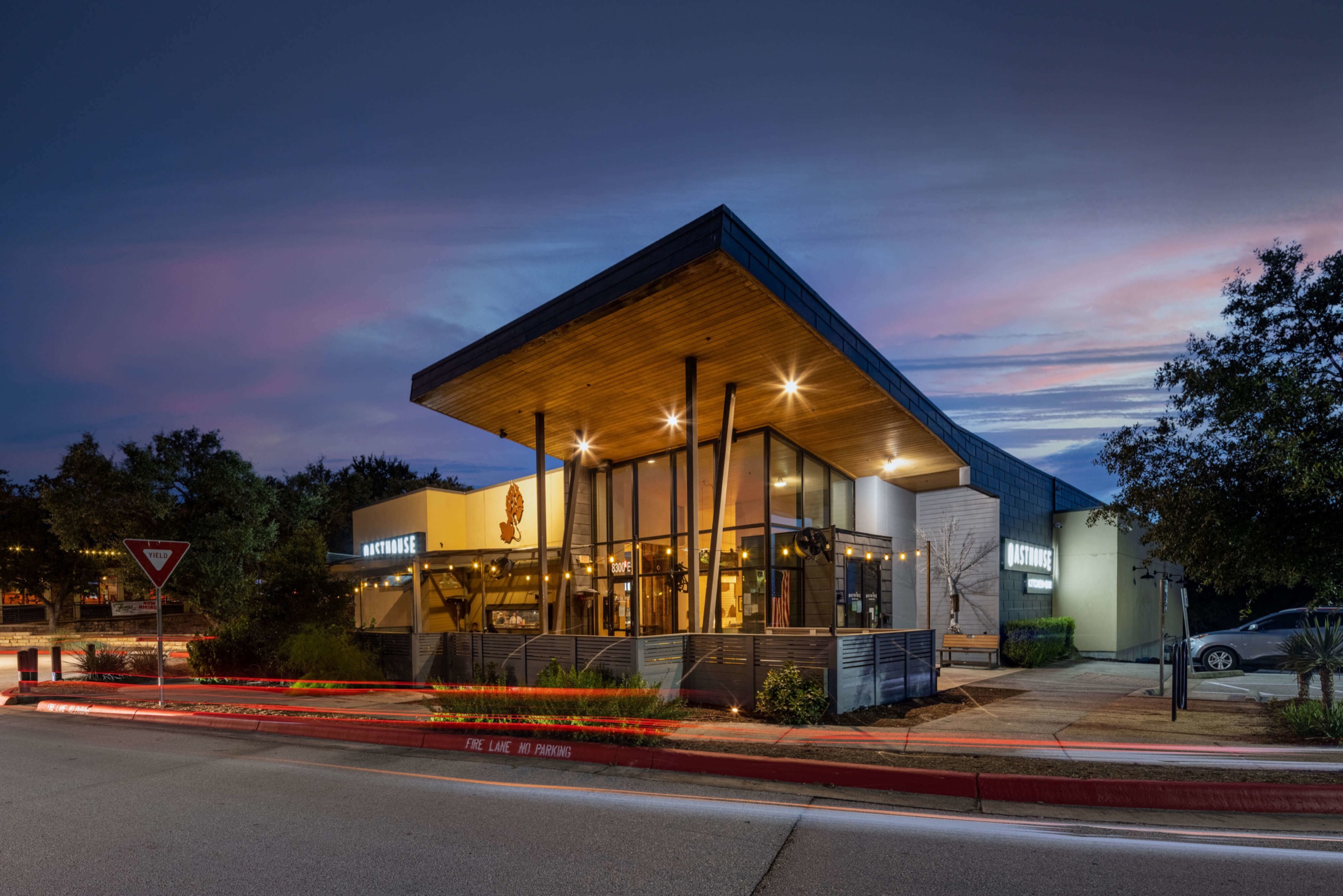
Published on Google Maps
Choose a space, then use the arrows inside Google’s viewer to move between connected viewpoints.
Choose a space
Pan, move and look around inside the Google Maps viewer. The views are controlled by Google.
Questions a tour can answer
Plan the viewpoints around the questions people have before they arrive. A connected tour can show more than a single storefront photo while keeping staff-only and sensitive areas out of view.
Show the storefront or lobby people should recognize when they reach your address.
Connect the public route through the dining room, shop floor, reception area or guest amenities.
Give visitors a realistic sense of seating, equipment or displays. HDR still photographs are available in the higher package tiers.
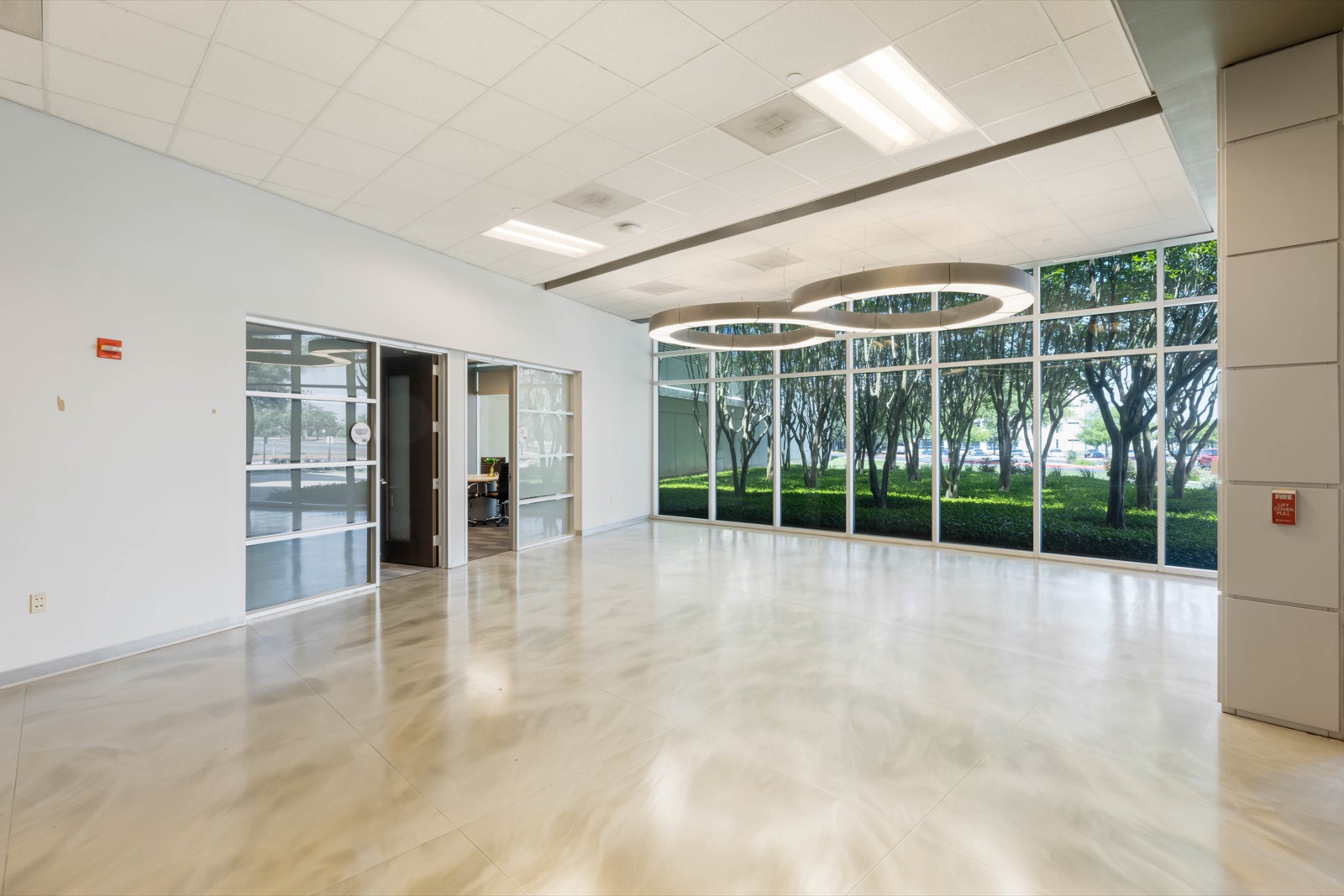

From booking to Google Maps
Send the business address, approximate square footage, access window and the rooms you want shown. We choose a useful starting view and identify private offices, records or other areas to leave out.
Straighten displays, clear walkways, turn on the lights and let your team know the capture time. We photograph connected positions along the approved customer path using the agreed Matterport tour workflow.
We prepare compatible views for Google Street View and send available share or embed links after publication. Google controls review, processing, placement and display on Maps, so timing can vary.
To get a useful quote: tell us your address, approximate size, customer-facing spaces and any access restrictions.
Discuss your spaceCurrent service options
Every option includes a Matterport tour and Google Street View publishing. The higher tiers add HDR still photographs or team headshots.
01 / The virtual visit
Starting at$950
A Matterport virtual tour of your business, with compatible 360° views published to the eligible Google Maps location.
Book Street View02 / Tour + photography
Starting at$1,250
The Matterport and Google Street View tour plus 25 edited HDR photographs of your storefront, interior or workspace.
Book Street View + HDR03 / Space + team
Starting at$2,750
The tour, 25 edited HDR photographs and five staff headshots for a fuller picture of your business.
Book the complete setStarting prices cover up to 3,000 sq ft. Additional space is listed at $0.15 per sq ft. We confirm the route, deliverables and Google Maps publishing eligibility for each location. See full pricing details
Before you book
Send us the business address and spaces you want to show if you need a recommendation for your location.
Ask us a questionCompatible 360° views are published to the eligible business location on Google Maps. Google determines processing, placement and display. We provide the available share and embed links after publication.
Our current Street View package includes a Matterport virtual tour of your space. We use compatible views from that capture for the Google Maps presentation. The Matterport-hosted walkthrough and the Street View tour on Maps are separate viewing experiences.
No. The base package is the Matterport tour and Street View publishing. The $1,250 tier adds 25 edited HDR photographs; the $2,750 tier adds those photos and five staff headshots.
Yes. Tell us which rooms, records, people or displays should not appear. We plan the public route around those boundaries before capture.
Clear walkways, straighten displays, turn on the lights and let your team know the capture window. We will confirm access and the route before the shoot.
Google Maps provides sharing and embedding options for published views. We send available links and embed information after publication, so your web team can place the Maps tour on your site.
A tour helps visitors preview the space, but Google does not guarantee better search ranking or placement because a business adds 360° imagery.
Ready to be seen
Send us the business address and the spaces customers should explore. We will help plan a Street View tour that fits your location.