Help them imagine it
Virtual Staging in Austin: Prepare, Review, and Disclose Images
Plan virtual staging for an Austin listing with useful room views, realistic furniture scale, preserved originals, and clear disclosure before images are published.
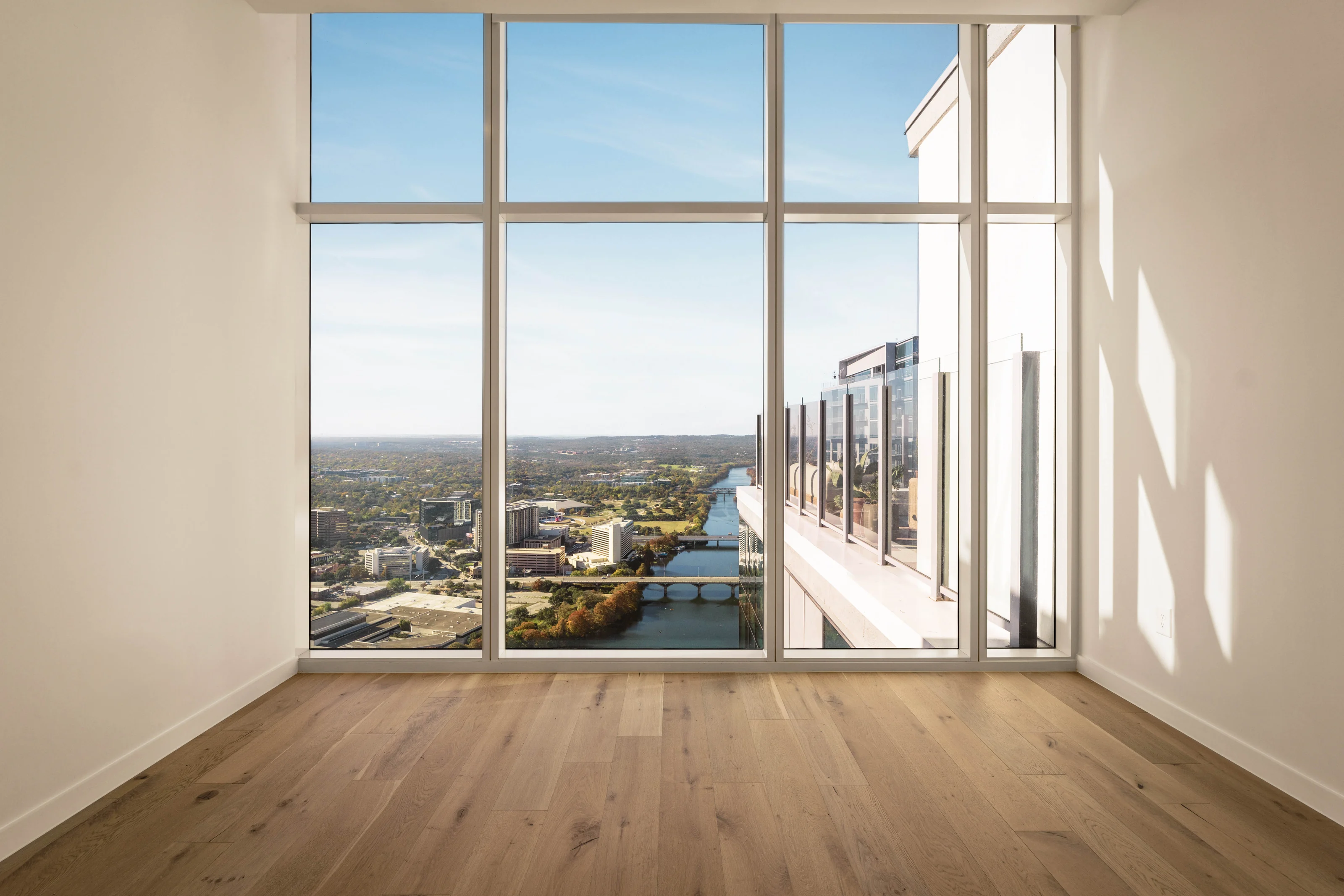
Virtual staging adds a digital furnishing concept to a property photograph. For an Austin listing, it works best when the original room remains understandable, the furniture fits the actual space, and viewers can distinguish the concept from the property’s current condition.
Prepare the original image, define the room’s intended use, review the finished edit carefully, and publish it with clear disclosure using the destination’s current requirements. Keep the unaltered photograph available throughout the process.
Choose a room and a view that answer a question
Start with the space a buyer may find difficult to interpret. An empty living room might need a seating arrangement to show a possible use; an open area might benefit from a dining concept. Choose a view that explains the room rather than asking furniture to compensate for an unclear photograph.
Check that the original captures the permanent features accurately. Doors, windows, circulation routes, built-ins, and changes in floor level provide the framework for the concept. If the source image is poorly composed or out of date, a new photograph may be a better first step than additional editing.
Write a brief around use, scale, and consistency
Describe the intended room use and a restrained furnishing direction. Include any relevant dimensions or reference information that can help the editor avoid implausible scale. A concept should leave believable space for a person to move through the room and use its doors.
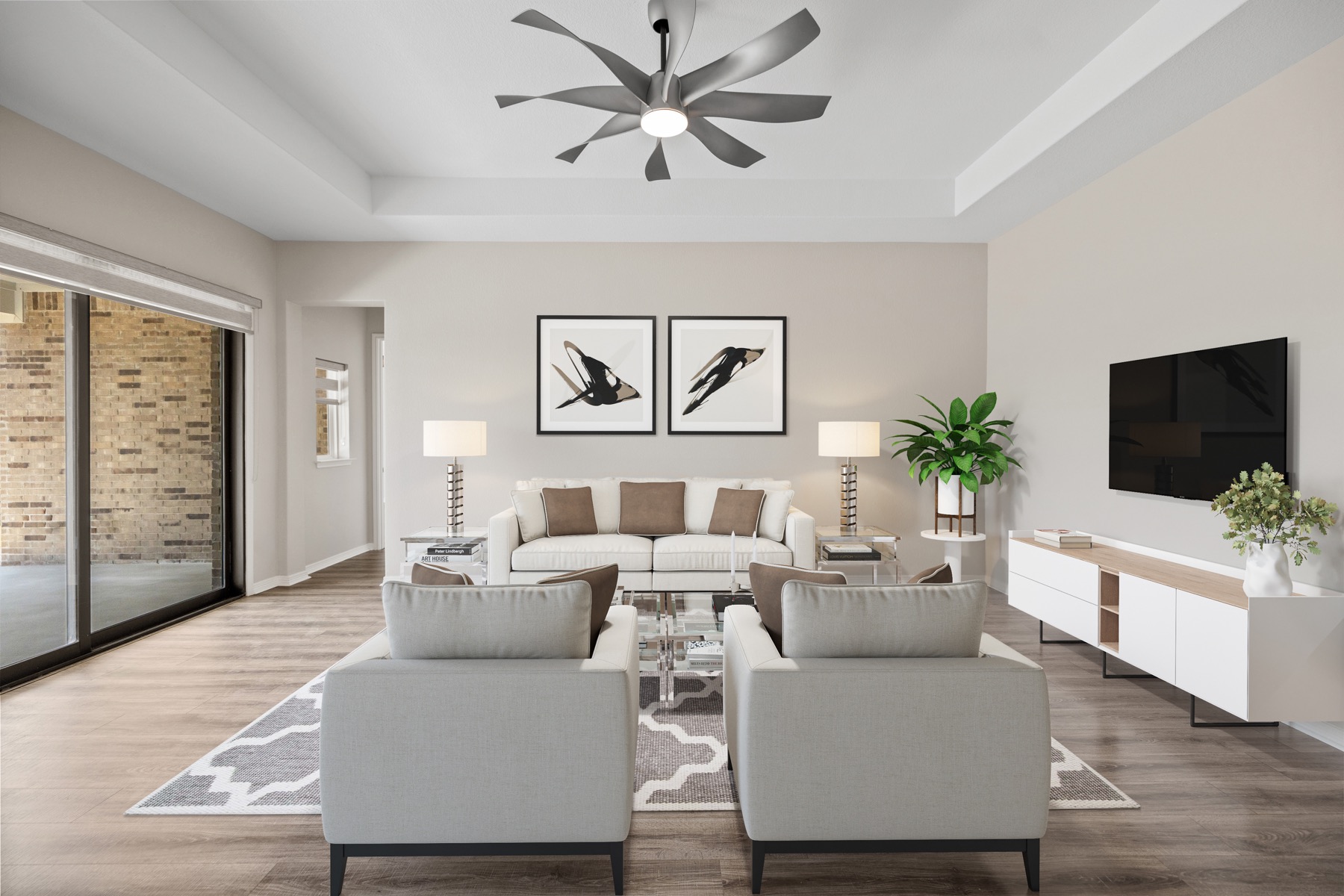
For a hypothetical living room, the brief might ask for a sofa and chairs arranged around a conversation area while preserving the route to the patio. The useful instruction is the relationship between furniture and circulation, not a request to make the room appear larger.
If several images show the same space, keep the furnishing concept consistent across them. A sofa that changes size or position between angles can make the layout harder to understand instead of clearer.
Review the image against the original
Compare the two files side by side. Look first at permanent features: walls, windows, doors, floor surfaces, fixtures, and the visible condition of the room. A furniture concept should not silently become a renovation concept or conceal a material condition that a visitor will encounter.
Then inspect the digital additions. Check proportions, contact with the floor, light direction, reflections, and overlapping edges. Make sure the arrangement does not block a door or suggest that an oversized item will fit. Judge the result at the size people will see online as well as in a larger preview.
Make the distinction clear when publishing
Keep the original and staged versions together in the working files, with names that make their roles obvious. Present the unaltered view alongside the concept where the destination permits, and clearly identify the image as virtually staged using that destination’s approved method. Do not assume that one caption or watermark approach is accepted everywhere.
For an Unlock MLS listing, consult the current MLS rules and the listing professional’s publication process before upload. Requirements can change, and a historic rule or another market’s template is not a reliable substitute. The purpose of disclosure is to help the viewer understand what is present and what has been illustrated.
When the image is reused on a property website, social post, or brochure, carry the distinction with it. A disclosure attached only to the original upload can be lost when someone copies the image into another format.
Approve the final set as a complete handoff
Provide the editor with one consolidated set of corrections and keep the approved original/concept pairs organized. Confirm the intended publication channels and image rights before sending files to another stakeholder; our photo usage guide explains why having a download is not the same as unlimited permission.
Use the virtual staging service page to discuss current scope and ordering. The strongest brief is specific about the room and intended use, while the final review stays focused on a believable concept and an accurate account of the existing property.
See the difference
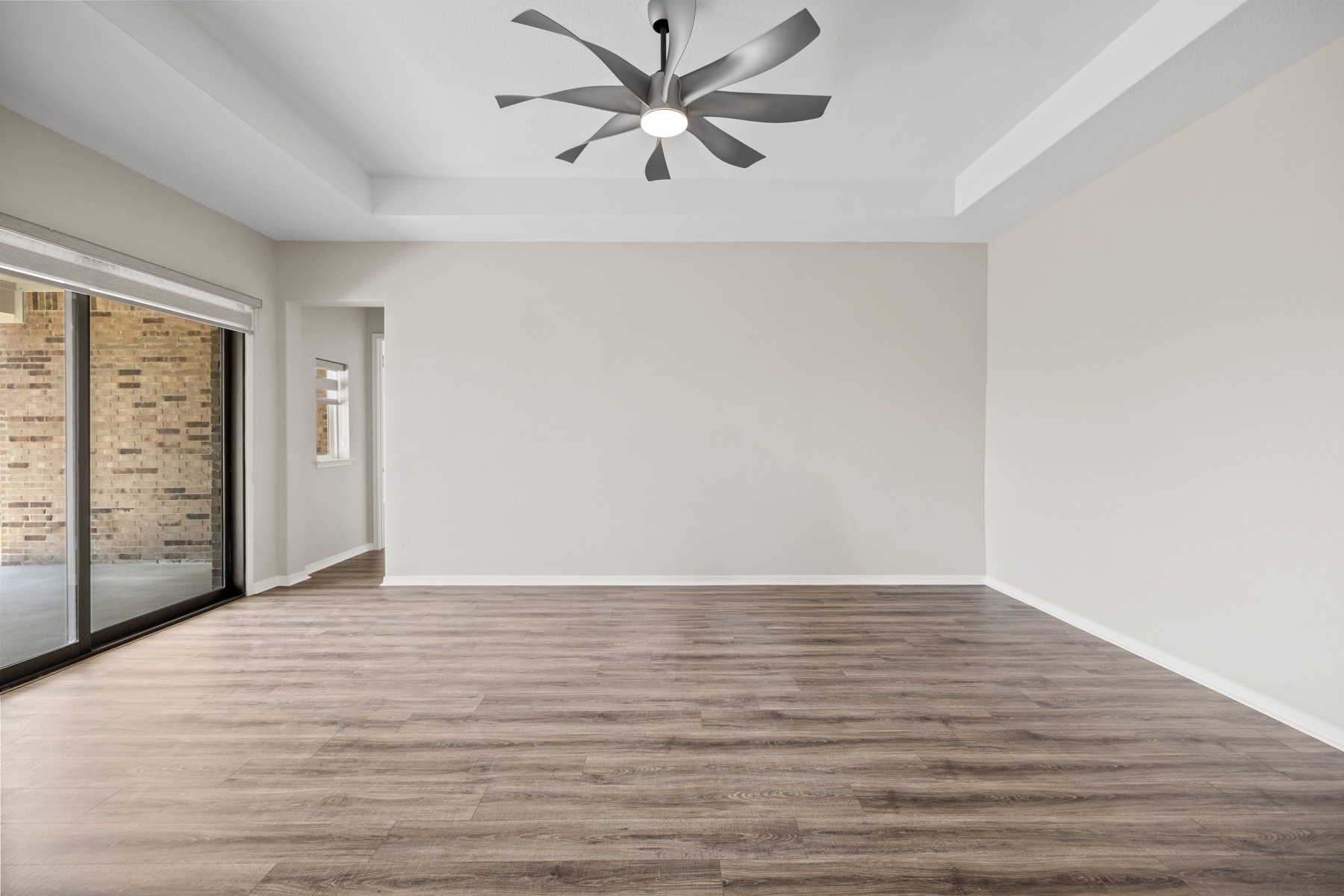
The same room, two ways.
The original empty-room photograph and its virtually staged version are shown together for clarity.
Picture the possibility
Help the room make sense.
Send the original room photographs and intended use to discuss a virtual staging assignment.