Photography and a way to explore
Horseshoe Bay Real Estate Photography
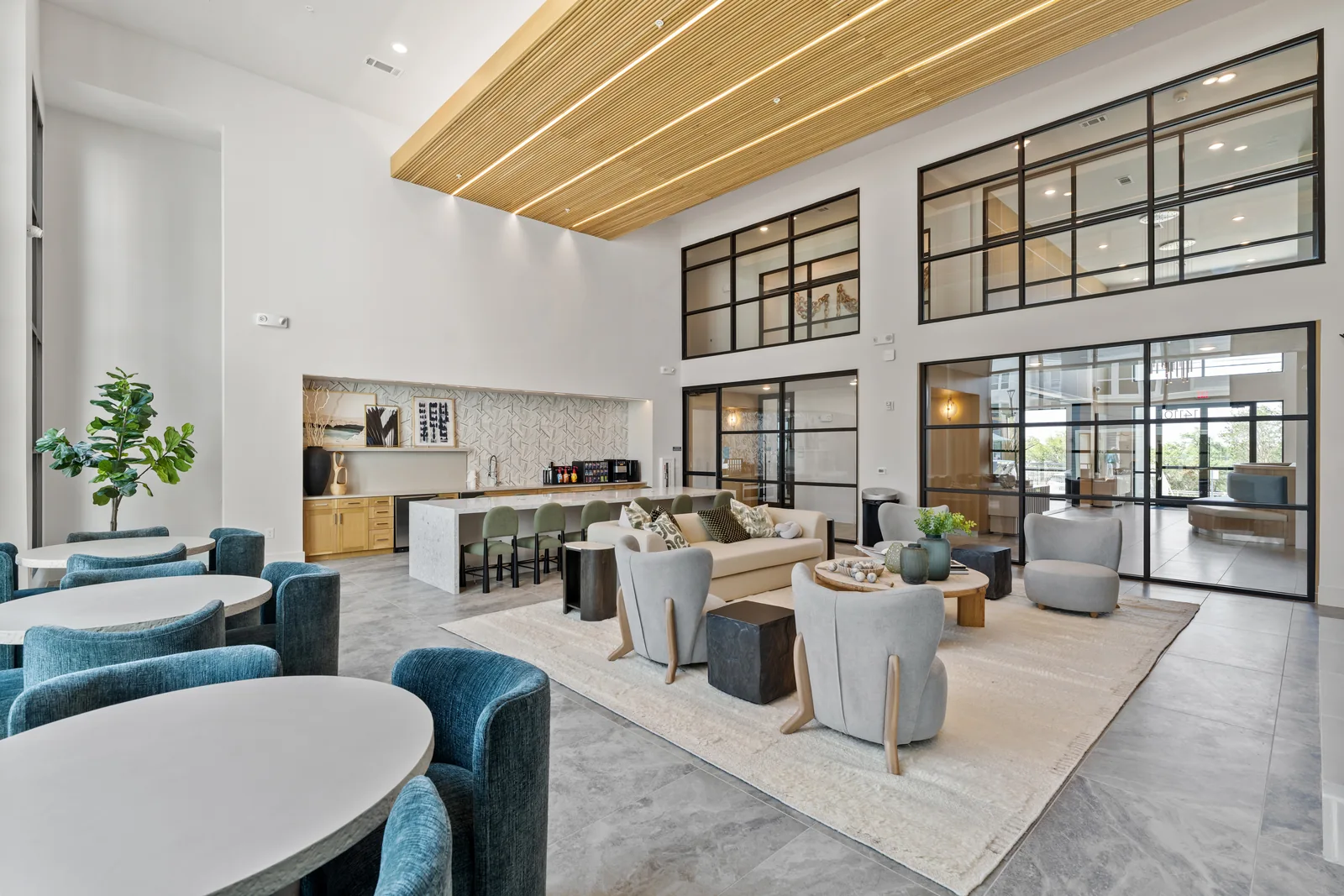
Horseshoe Bay real estate photography and interactive tours do different jobs. The strongest presentation gives each format a clear purpose.
Still photographs make it easy to study architecture, materials, and individual rooms. An interactive tour lets a visitor move through the captured spaces in their own order. Used together, they can explain both the details and the connections, without asking a short photo gallery to represent every part of the experience.
Start with a useful photographic set.
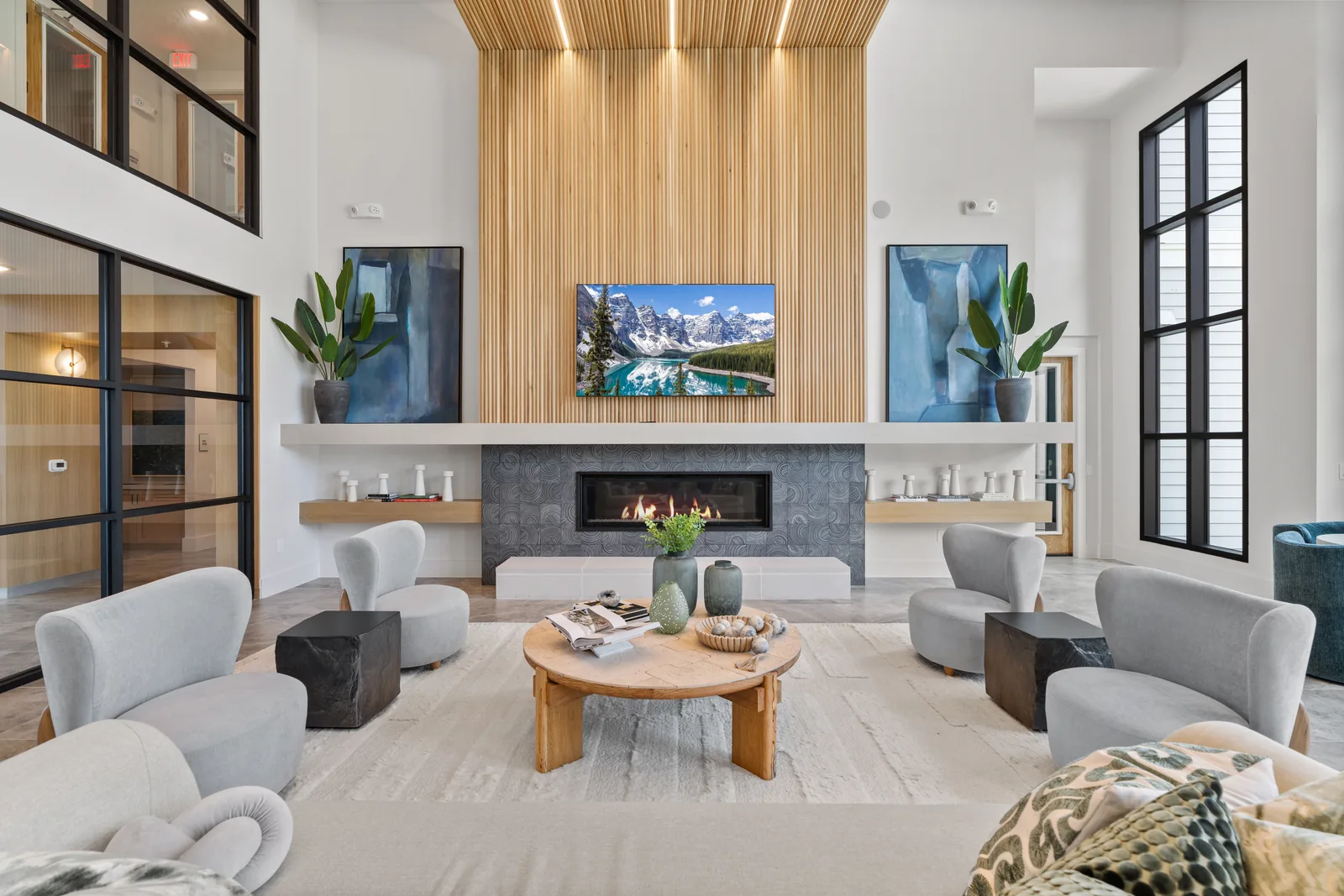
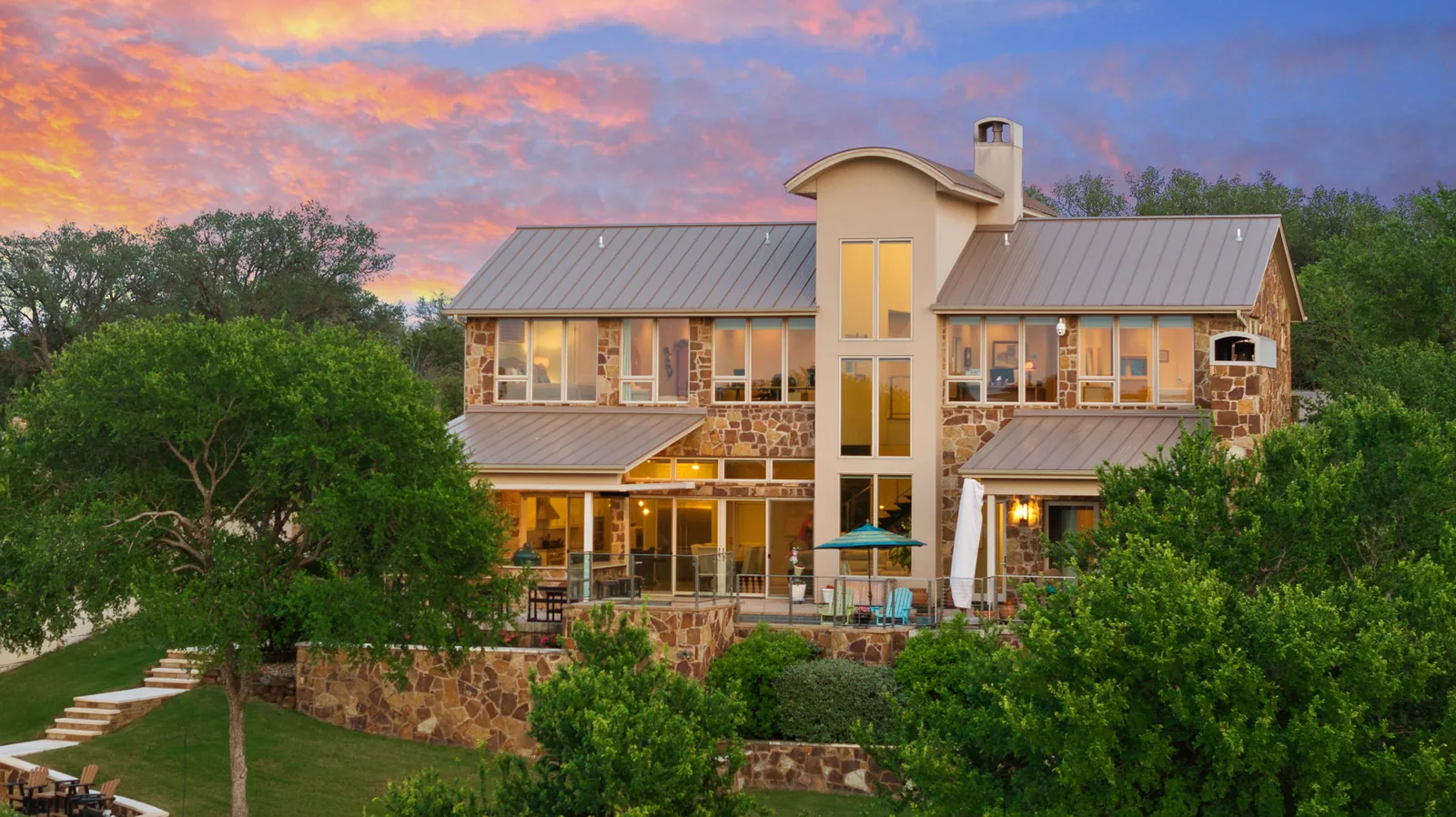
Establish the exterior and the main living spaces, then add the features that make the property distinct. Keep color and light consistent across the gallery. For a custom home, that may mean balancing room views with craftsmanship; for a multifamily or business project, it may mean agreed model spaces, shared areas, or customer-facing rooms.
Residential, apartment, and commercial photography have different scopes. Describe the property and intended uses before choosing a package. Commercial projects and additional media should be quoted for the actual spaces and requirements.
Make the tour answer a layout question.
A Matterport 3D tour can help people revisit room proportions and connections before deciding what to see in person. Agree on which spaces will be scanned, arrange access, and prepare the property consistently across the tour and photographs. Clarify closet coverage, any floor plan add-on, the publication method, and hosting terms before booking.
This article also introduced Google Street View for businesses. A residential listing tour and a business’s public Google presence are not interchangeable. Ask about current eligibility and delivery options for the location; do not assume every Matterport scan can automatically become a Google tour.
Treat the older technology clip as context.
The video below discusses the Matterport and Google Street View partnership when this article was first published. It remains useful background, but it is not a current feature list, an export guarantee, or a quote. The current service pages and your project brief should guide the choice of media today.
Use the preparation checklist before the visit, and tell us whether the finished work is intended for MLS, a property website, print, or business marketing. Confirm file specifications, delivery, additional editing, and travel. Photography, tours, and video should be scoped together where useful, without treating all three as included in one standard package.
A useful plan
Make every part of the set count.
01 / Photography
Study each space.
A clear still gallery lets viewers examine the rooms and their features.
02 / Tour
Revisit the layout.
Choose captured spaces around the questions an interactive walkthrough can answer.
03 / Business
Confirm the destination.
Google Street View work has its own scope and publication requirements.
Selected portfolio
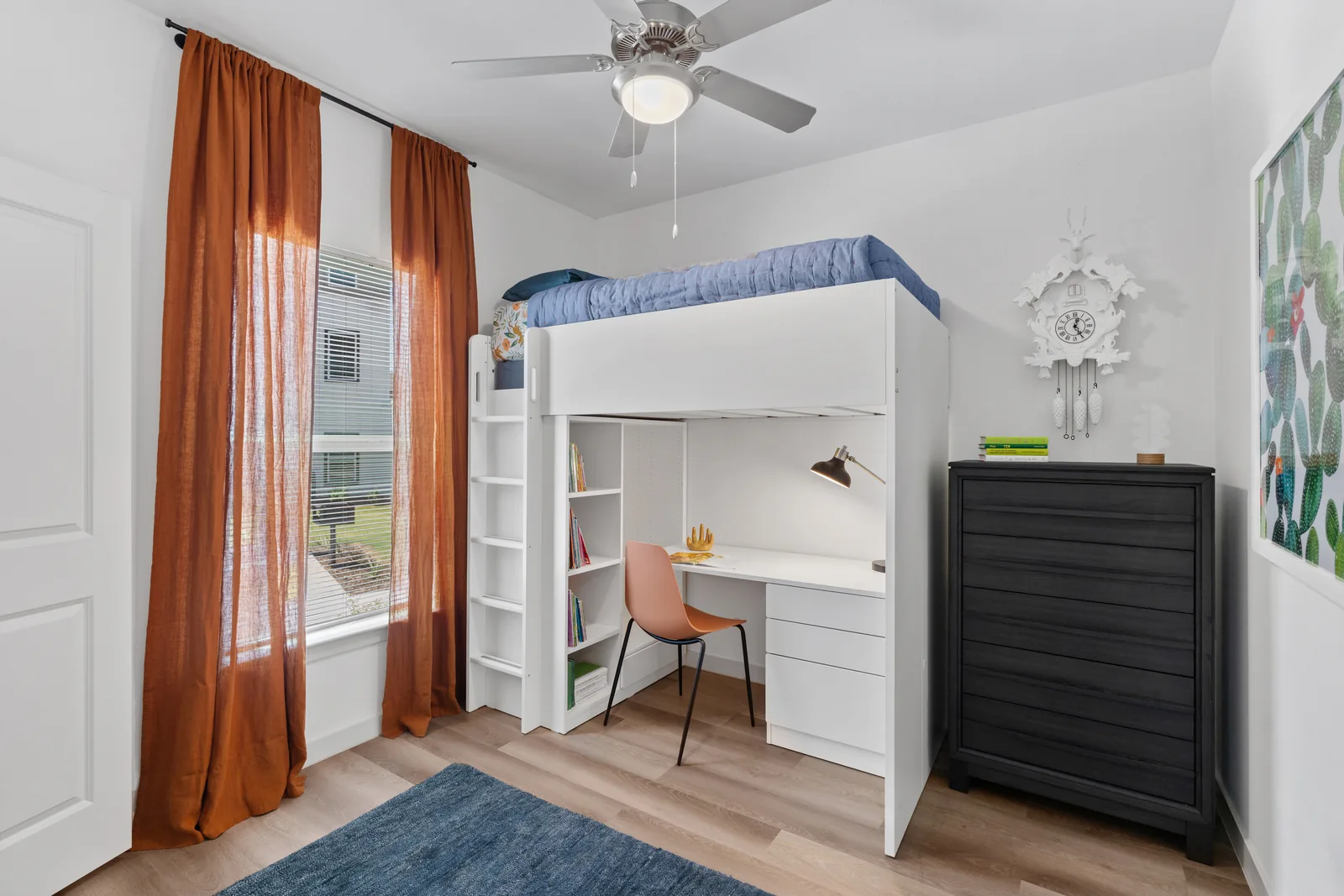
See the detail. Understand the connections.
Current photo and tour options
Give each format its own scope.
- Basic photography
- $19525 photos
- Residential Matterport
- From $250Up to 3,000 square feet
- Matterport floor plan
- $75Per tour, as an add-on
Commercial Matterport starts at $450 for up to 3,000 square feet. Both scan types add $0.10 per square foot above that size; closets are available on request. Typical photo delivery is 1–2 business days; confirm the tour and any additional media timing, hosting terms, travel, and final project scope separately. See current pricing or ask about the property.
Let visitors explore
Bring the spaces into focus.
Pair clear photography with the interactive media your property needs.