Let the space speak for itself
Austin Virtual Tours: Choose Between 3D, Video, and Google
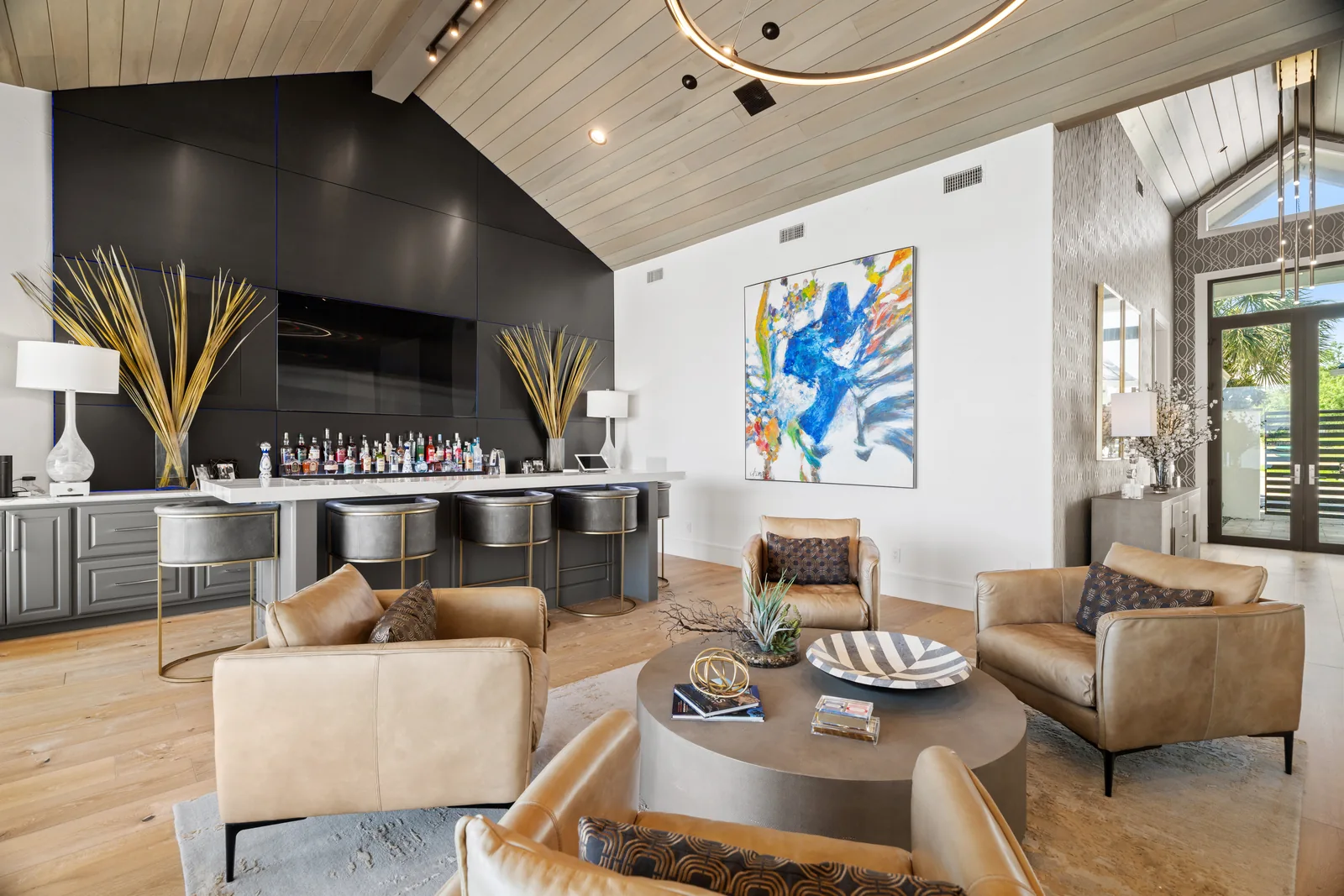
Choose an interactive 3D tour when viewers need to explore the layout themselves. Choose a property video when you want an edited introduction with a planned sequence. Choose Google business imagery when the goal is to help customers recognize and explore a visitor-facing location on Google Maps. These formats can complement one another, but they solve different problems.
For an Austin home, commercial space, or apartment community, decide who will use the tour and where they will find it before choosing the capture format.
Interactive 3D: let the viewer investigate the space
An interactive tour is useful when room connections matter. A viewer can look around, move between available viewpoints, and revisit an area while comparing the property with their needs. That is different from asking a single wide photograph to explain the route through several rooms.
Matterport is one platform used for that experience. Our Matterport tour service includes examples you can explore before booking. Use a sample to assess practical questions: is navigation understandable on your phone, can you find the relevant rooms, and does the experience help explain the layout? The finished result matters more to the audience than the camera specification.
Property video: choose the order and pace
A film gives the creator control over which views come first, how long they remain on screen, and how the viewer moves from one part of the property to another. It can introduce the approach, main living spaces, and outdoor setting as one considered sequence.
Use video when a directed introduction suits the publication channel and audience. Discuss the intended length, orientation, audio, and delivery versions before filming. Our property video service is the place to develop that brief. A video still needs accurate coverage; an attractive sequence should not make room relationships misleading.
Google imagery: help visitors understand a business location
A Google tour has a different destination and audience from a privately shared property model. Connected 360 views can help someone recognize an entrance and explore the public-facing areas of a business. Google’s Photo Sphere guidance describes how those views can be published and connected.
For this use, the business identity and location must be correct, and the images should reflect the areas customers actually visit. Read our Google business tour guide for preparation and publication considerations. Do not assume that a vacant home for sale should be handled as a business-profile location.
Match the deliverable to the publication destination
Write down the places the media must work: the listing system, a property website, a business profile, a social channel, or a presentation. Then confirm the current accepted format and how it will be submitted. A hosted tour link, a video file, and a set of 360 images are not interchangeable.
Platform support changes. For example, Matterport’s May 2026 statement described Realtor.com displaying Matterport tours while addressing Zillow’s removal of them. That is a reason to verify the intended destination rather than relying on an old integration announcement. Our Realtor.com publishing guide covers that specific handoff.
Include the life of the media in the decision
For hosted experiences, agree who controls the account, how long the tour should remain available, and who will request changes or removal. For downloadable files, agree the required versions and intended uses. Keep private or sensitive areas outside a public capture plan from the beginning.
Once the format is selected, use the Matterport preparation guide for a scan or develop a separate video brief. Still photographs often remain the quickest way to compare individual rooms, so choose a combination with a clear job for each piece rather than replacing the entire gallery with a single format.
Tell us the property and publication destinations to plan the right tour format.
A useful plan
Pick the format that fits.
Pick the right format.
Interactive tour or guided film: decide what viewers need.
Follow useful transitions.
Scan the connections, not only the showpiece rooms.
Plan the destination.
Check the website and listing rules for the final tour.
Selected portfolio
The views worth revisiting.
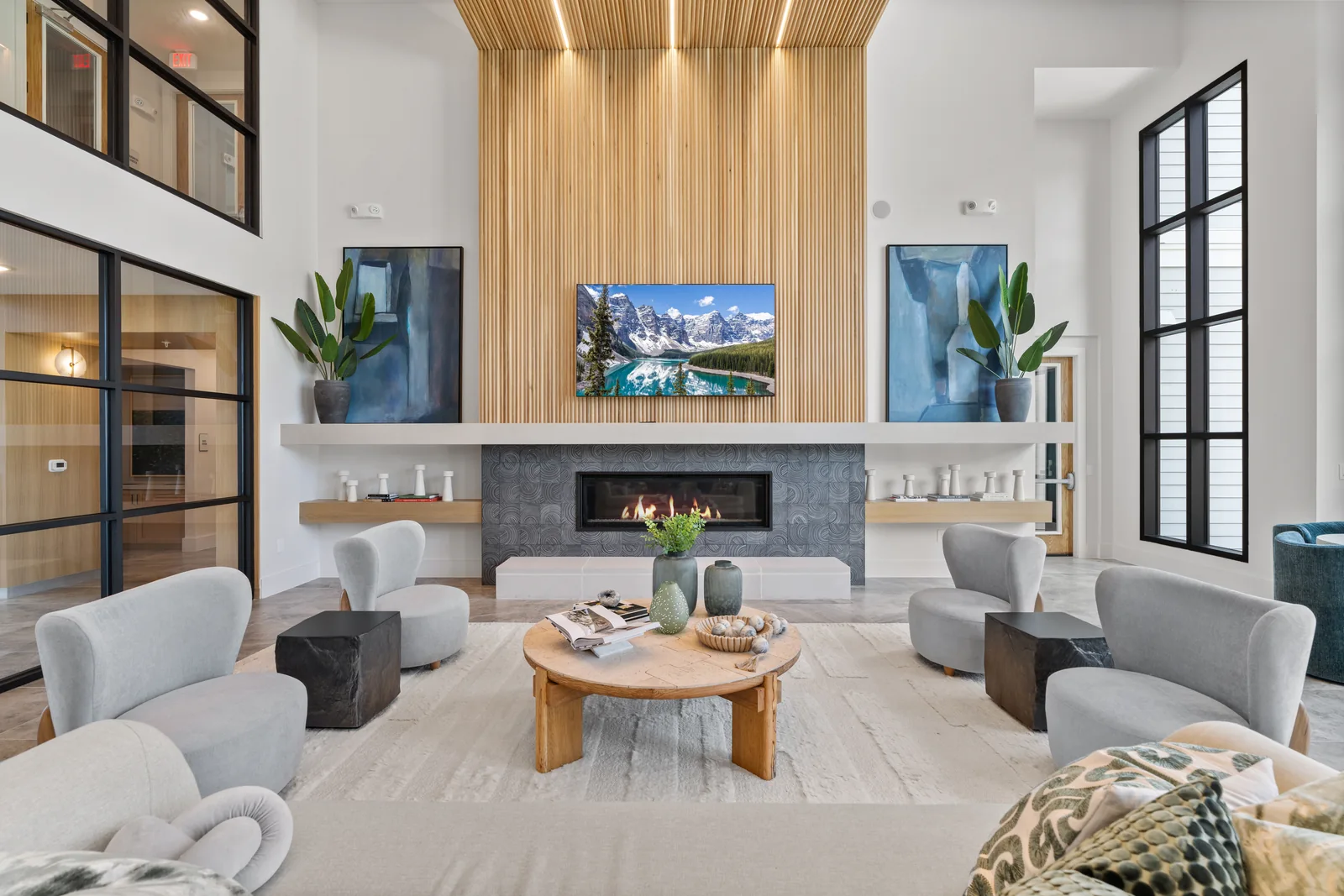
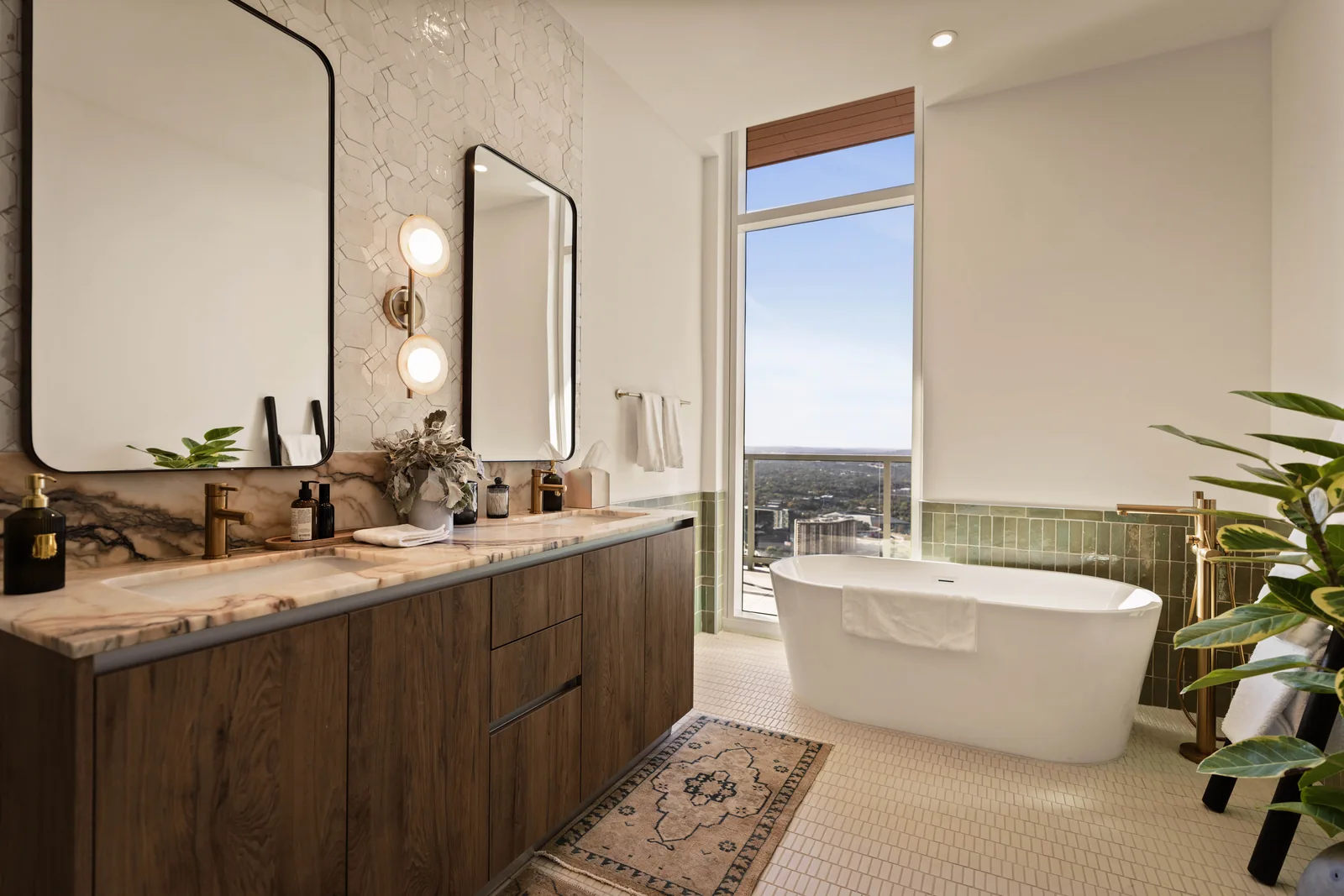
Explore a real 3D space
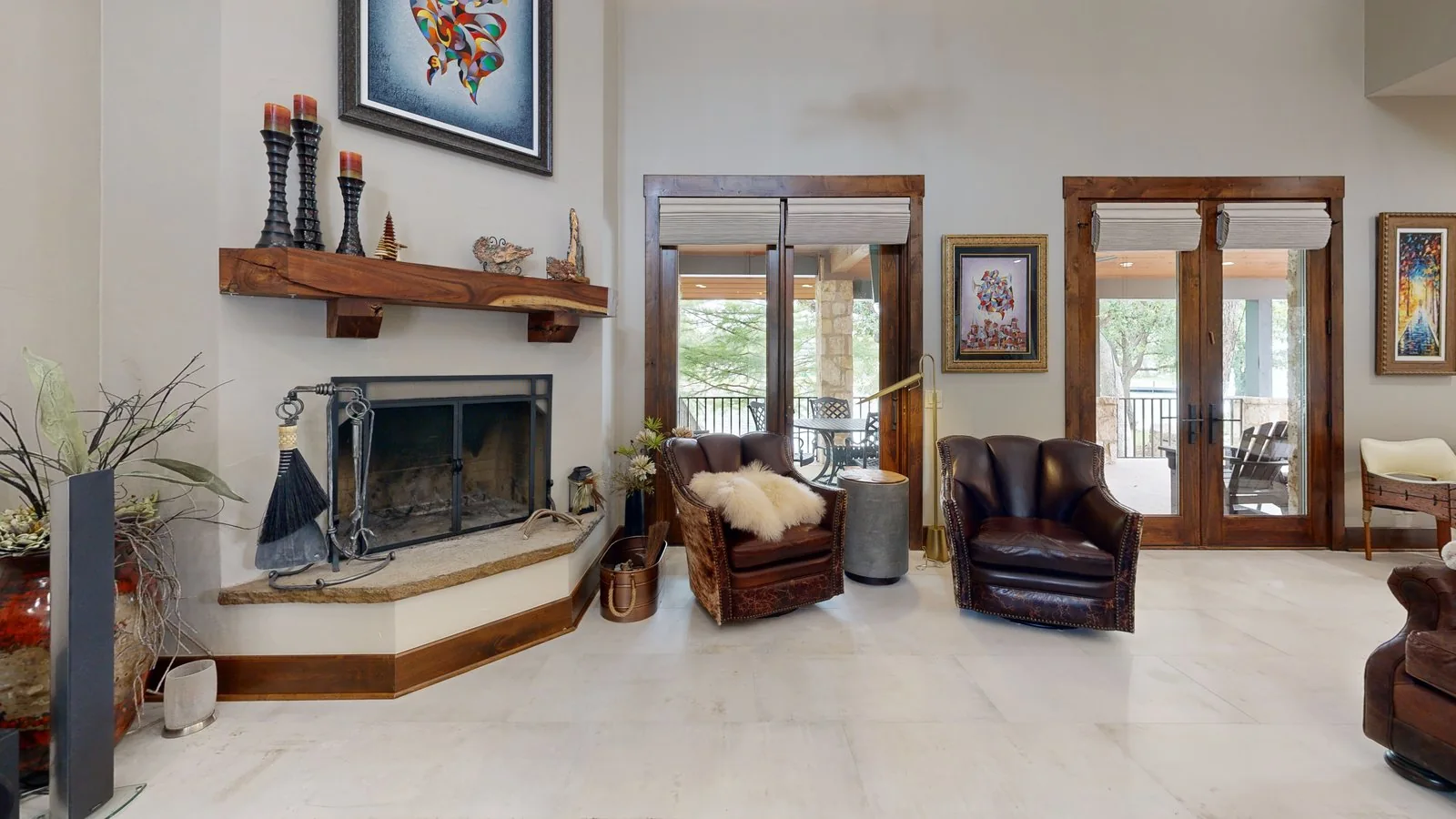
Explore a residential 3D tour
Move through this real residential example at your own pace. It is separate from any Google Street View publication.
Current 3D tour starting prices
Choose the right tour scope.
- Residential Matterport
- $250Starting price
- Commercial Matterport
- $450Starting price
- Floor plan add-on
- $75Per tour, with a primary service
The listed starting tour prices cover up to 3,000 sq ft; $0.10/sq ft applies above that. Closet coverage is on request. Confirm access, scope, tour hosting, any Google publishing, and add-ons in the final quote. Check current pricing.

A clearer first visit
Bring the whole place into view.
We can help decide whether this property calls for an interactive tour or film.