Make a place easier to explore
Google Virtual Tours for Austin Businesses: Plan the Right View
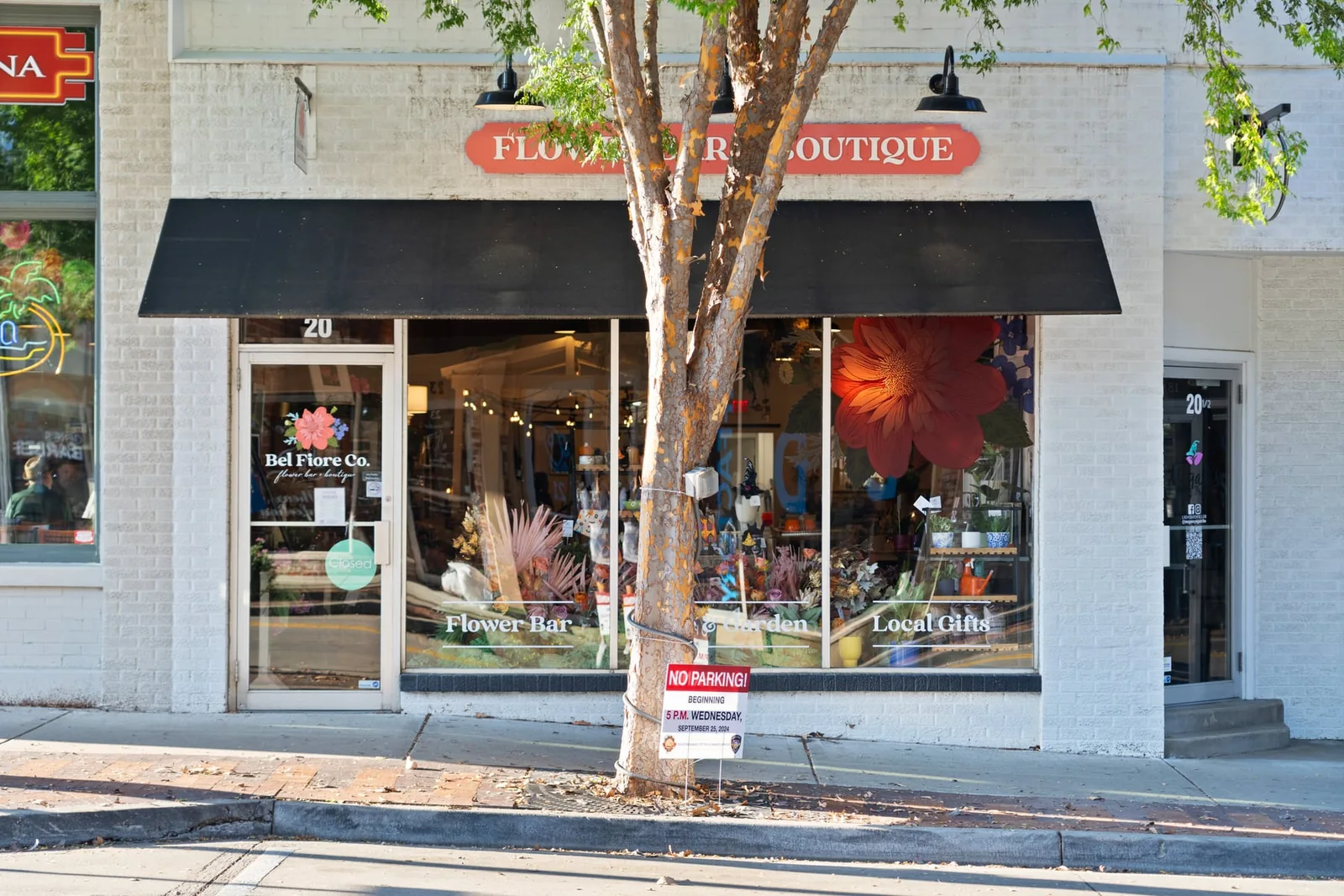
A Google virtual tour can help customers recognize and explore a real business location before visiting. The useful brief starts with the entrance and the public areas people need to understand, then establishes where the 360 imagery will be published and who will manage it.
For an Austin shop, showroom, restaurant, or other visitor-facing space, plan around the actual customer journey. A private home listing usually needs a different publication approach from a business presented on Google Maps.
Connect the imagery to the right business
Confirm the business name, address, public entrance, and existing profile before the shoot. Google’s business representation guidelines require accurate real-world information and define which businesses can have a Business Profile. A photography appointment does not create eligibility or resolve an incorrect listing.
Identify the person authorized to manage the profile and agree on the publishing arrangement. Keep the business in control of its account, and use the appropriate access process when another person assists. Resolve a wrong map location or duplicate-profile question before expecting the images to fix it.
Choose a route that helps a first-time visitor
Begin with recognition: can someone identify the correct entrance from the images? Then show the main customer area and any important transition, such as the route from a reception area into a showroom. The sequence should match the place a visitor will actually encounter.
Choose viewpoints for their purpose rather than trying to include every room. Staff-only spaces, storage areas, private offices, and sensitive documents usually do not belong in a public customer tour. Agree on the included areas in advance, particularly when several businesses share a building.
Understand what gets published
Google’s Photo Sphere publishing guidance describes uploading 360 images to Maps and using third-party tools to connect them into tours. Those connected views differ from a property film or a separately hosted interactive model. Confirm which experience the assignment is intended to deliver.
Keep useful still photographs in the plan as well. A clear entrance image, a representative interior, or a product-area view can answer a quick question without requiring a visitor to navigate a tour. Our comparison of virtual tour formats can help if the intended platform is still undecided.
Prepare the business as customers should see it
Schedule capture when the agreed areas can be clean, complete, and consistently arranged. Remove private paperwork and screens displaying customer information. Check mirrors and reflective surfaces, and decide how staff and visitors will be kept out of the capture area when necessary.
Keep signs and displays accurate. If a major remodel or tenant change is imminent, consider whether the finished space should be captured after the work rather than publishing an image set that will soon be outdated. Preparation should improve clarity without presenting facilities that are not actually available.
Review the public result, not just the delivery message
Google reviews uploaded Business Profile media, and selecting a cover image does not guarantee that it will appear first. Treat publication and display as platform processes rather than promising a particular placement or instant visibility. Google’s media guidance explains the current review statuses.
After publication, open the business as a customer would on a phone and computer. Confirm that the imagery belongs to the correct place, the entrance is understandable, and the connected views make sense. Save the publication details and the provider’s contact information so later changes can be discussed. A tour’s practical value is whether it helps a visitor understand the location; it is not a guarantee of a search ranking.
Share the business address and public areas to discuss a Google tour for your location.
A useful plan
Start at the real entrance.
Help them find you.
Show the real entrance and recognizable context.
Show the experience.
Choose the spaces a visitor is allowed to see.
Confirm ownership.
Check location eligibility and Google permissions first.
Selected portfolio
A visit begins before the door.
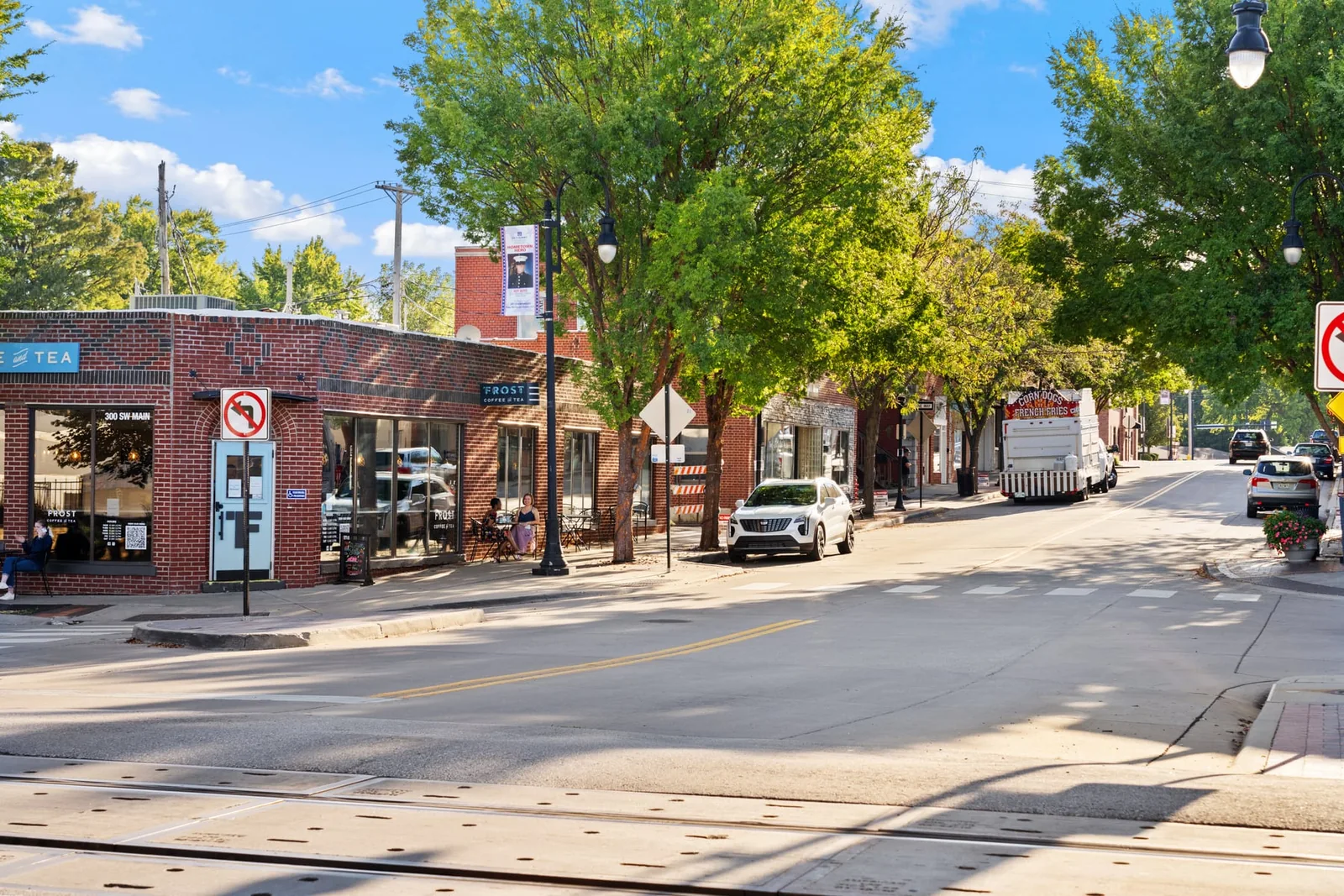
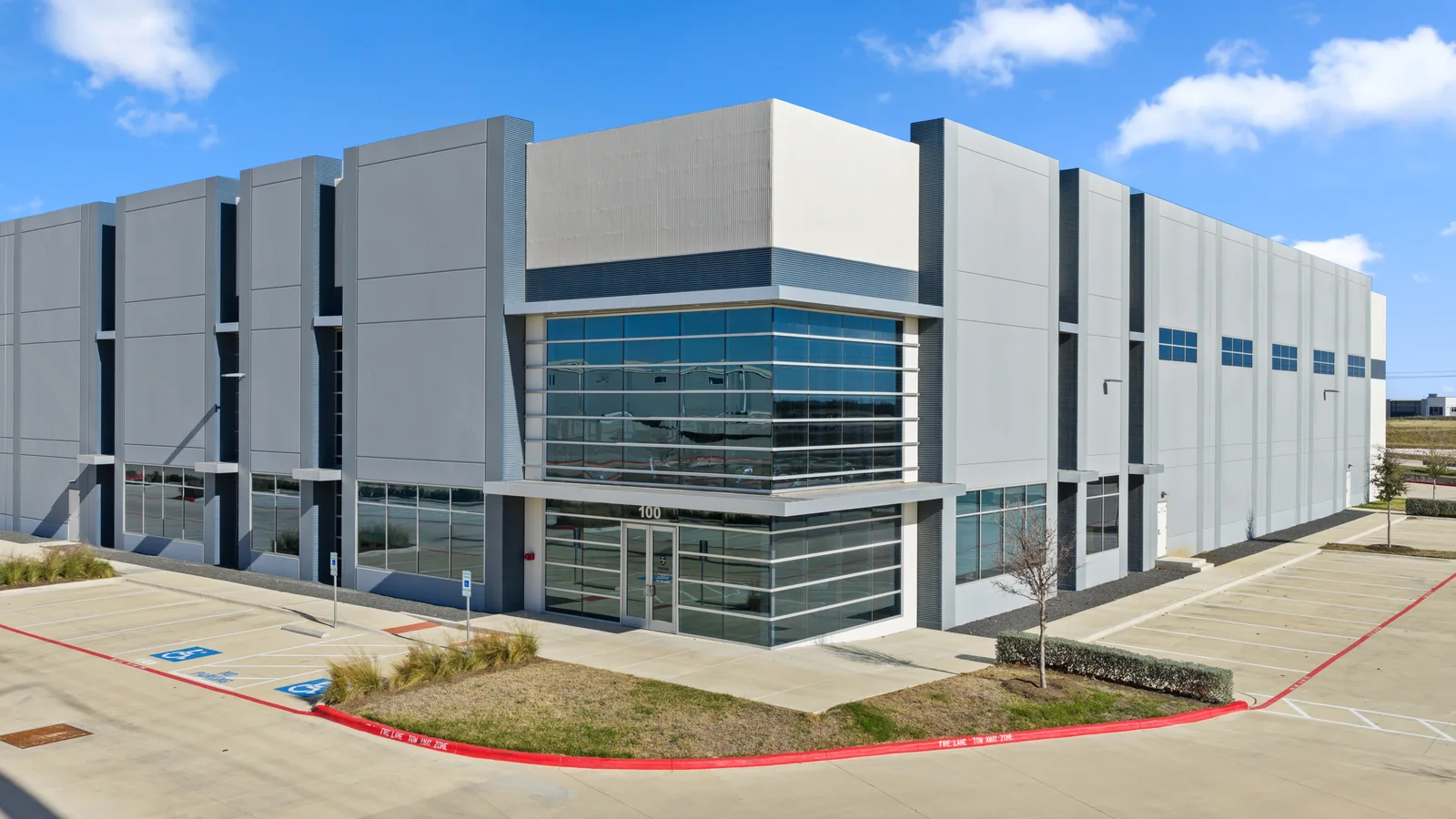
Current Street View starting prices
Plan the coverage for this location.
- Street View
- $950Tour and Google Street View upload
- Street View + HDR
- $1,250Tour plus 25 HDR photos
- Street View + HDR + headshots
- $2,750Tour, 25 HDR photos, 5 staff headshots
Published starting prices cover up to 3,000 sq ft; the listed overage is $0.15/sq ft. Confirm eligibility, the Google business location, publishing/approval, final scope, and delivery before booking. Check current pricing.
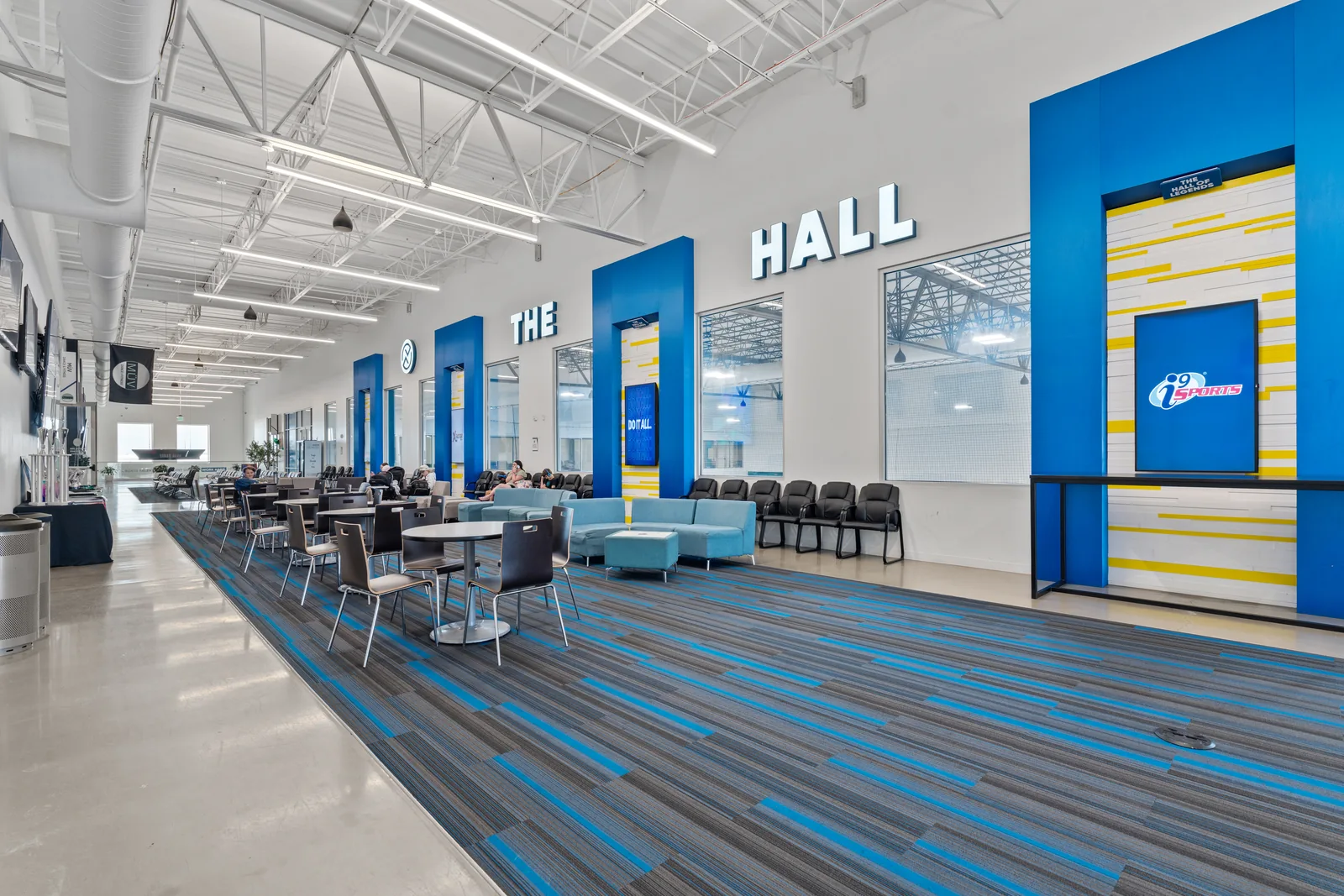
A clearer first visit
Help people recognize the place.
Show us the business address and the spaces customers are welcome to see.