A closer way to explore
Matterport Pro3: The Camera, the Tour, and Your Deliverables
Matterport Pro3 is a camera used to capture a space. The interactive tour is a separate, processed experience hosted through Matterport. Understanding that distinction helps you ask for the right result: a navigable property tour, an agreed hosting arrangement, and any additional files or products your project needs.
The camera model alone does not tell you which rooms will be included, how long the tour will stay available, or which add-ons are part of the quote.
What the Pro3 contributes
Matterport describes the Pro3 as a LiDAR camera for indoor and outdoor capture, including outdoor use in sunlight. That can be useful when a project includes both a building interior and exterior spaces. Capture still requires a planned route and suitable positions; owning the camera does not make every area of a property part of the finished tour.
For an Austin home with a courtyard, ask how that transition will be covered. For a commercial building, identify the public rooms, circulation routes, and any areas that should remain outside the scope. The useful conversation is about the places a viewer needs to understand, followed by the capture method suited to them.
How a scan becomes a browser tour
Captured scan data is uploaded and processed in Matterport’s platform. The operator then prepares the model for viewing, and the audience opens the published tour through a browser link or an embedded viewer. Matterport’s cloud and Showcase overview explains these distinct stages.
For the client, this means the appointment and delivery are separate milestones. The space must first be captured, then processed and reviewed. Agree on the delivery date and review process before scheduling publication rather than assuming the tour is complete when the camera leaves.
Define the deliverables before comparing quotes
Start with the navigable tour and the areas it should cover. Then identify additional needs separately: still photography for the listing gallery, a floor-plan product, a website embed, or a particular export for a technical workflow. Confirm availability and scope for each item instead of treating them as automatic camera features.
A hypothetical listing might need a tour of the main house, conventional photographs for the photo gallery, and a clear explanation of how the detached studio will appear. A facilities project could have different documentation needs. Those assignments may use similar capture equipment while requiring very different delivery arrangements.
Ask who manages the tour after delivery
Confirm which account hosts the model, who can request changes, how long the agreed hosting lasts, and what happens when the marketing period ends. If a transfer is part of the arrangement, establish the receiving account and any conditions in advance. Austin 360’s service terms are the reference for its own hosting and transfer arrangements.
Save the final viewing link with the property’s marketing files. A screenshot or downloaded brochure is not a backup of the interactive experience. Someone should remain responsible for checking that the link works while the property is being promoted.
Choose the result before the camera
If you are still deciding between an interactive tour, a property film, and Google imagery, start with our virtual tour format guide. If you have already chosen Matterport, use the scan preparation guide to get the property ready. Those choices have more practical value than comparing specifications without a delivery plan.
Explore our Matterport tour service to discuss the space, intended use, and required delivery.
Move from the floor plan to the surrounding spaces without losing the thread of the property.
Explore the rooms again, from anywhere, before deciding what to see in person.
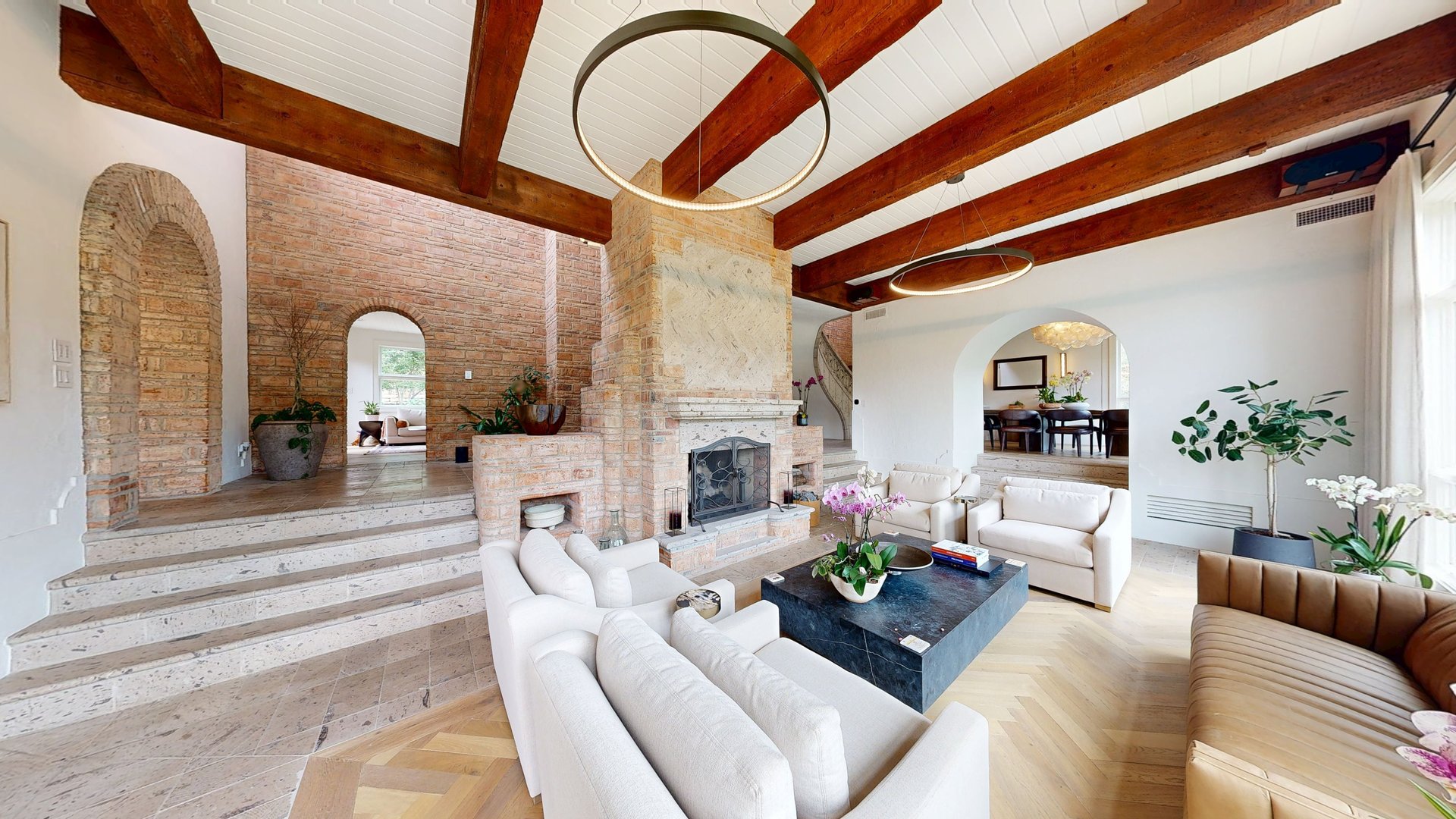
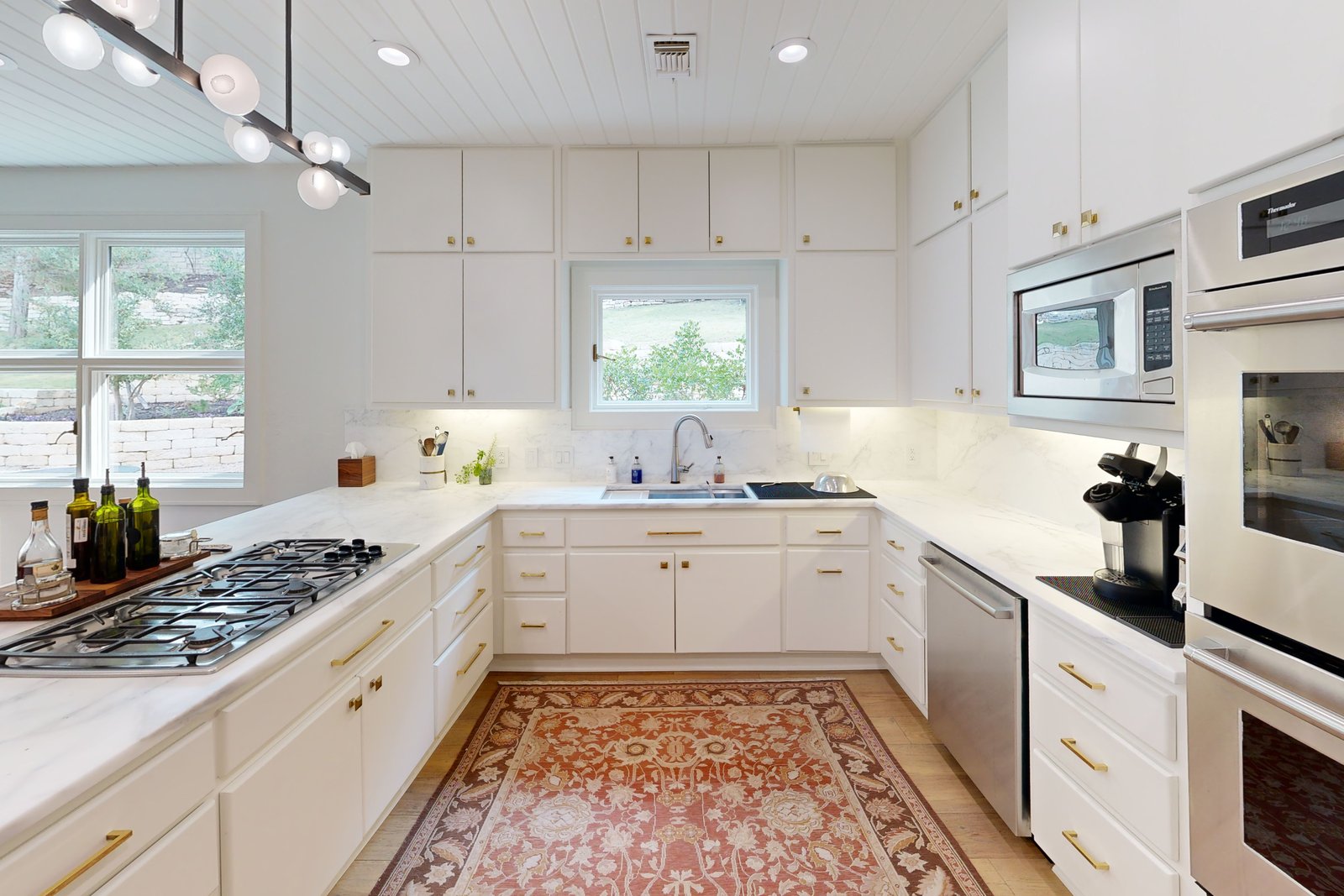
See the proportions and connections that can be hard to piece together from still images alone.
An interactive look
Step inside the tour.
Show the whole place
Give every space
a way to speak.
Pair beautiful photography with a tour buyers can explore on their own time.