A clearer path through the home
How Matterport is Revolutionizing Real Estate Marketing in Austin
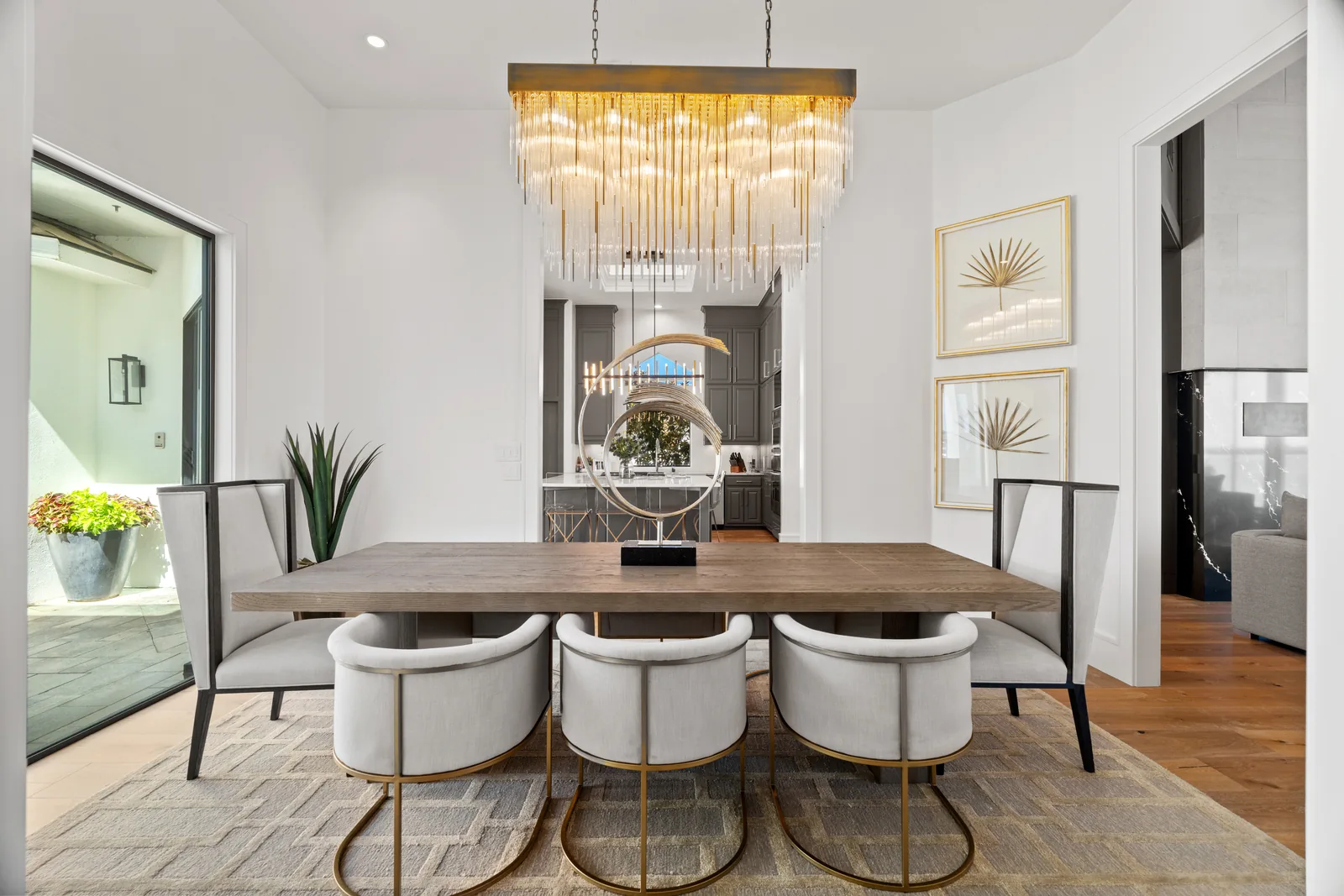
The useful change is simple: people can explore a home in the order that makes sense to them.
A Matterport tour gives an Austin listing a self-guided walkthrough alongside its photographs. Someone can move from the kitchen to a living area, look back toward an entry, or revisit the rooms without waiting for another showing.
That puts the layout into context. A beautiful photograph can describe a room; the tour helps explain where it sits in the home. Both are valuable, and neither needs to do the other’s job.
From scan day to listing day.
Prepare the property as a connected space. Clear the routes between rooms, finish the staging, and put away anything that should not appear in the walkthrough. A tour records the home as it is presented, so details between the main photo angles matter too.
Coordinate the scan with the rest of the media when possible. A consistent presentation across the photographs and tour helps viewers recognize the spaces as they move from one format to another.
Share it where questions happen.
Make the walkthrough accessible from the property’s marketing page and the listing platforms that support it. A direct link is also useful when following up with buyers who want to look at the layout again or share it with someone else.
Keep the invitation straightforward: explore the home in 3D. Avoid burying the link among unrelated media or asking people to guess whether it opens a film, a gallery, or an interactive tour.
Start with the questions this particular property raises. Then pair the tour with strong still photographs and, where helpful, a property film. A clear collection is more useful than a long list of formats added for their own sake.
Explore in 3D
Explore the layout for yourself.
Move through the rooms at your own pace.
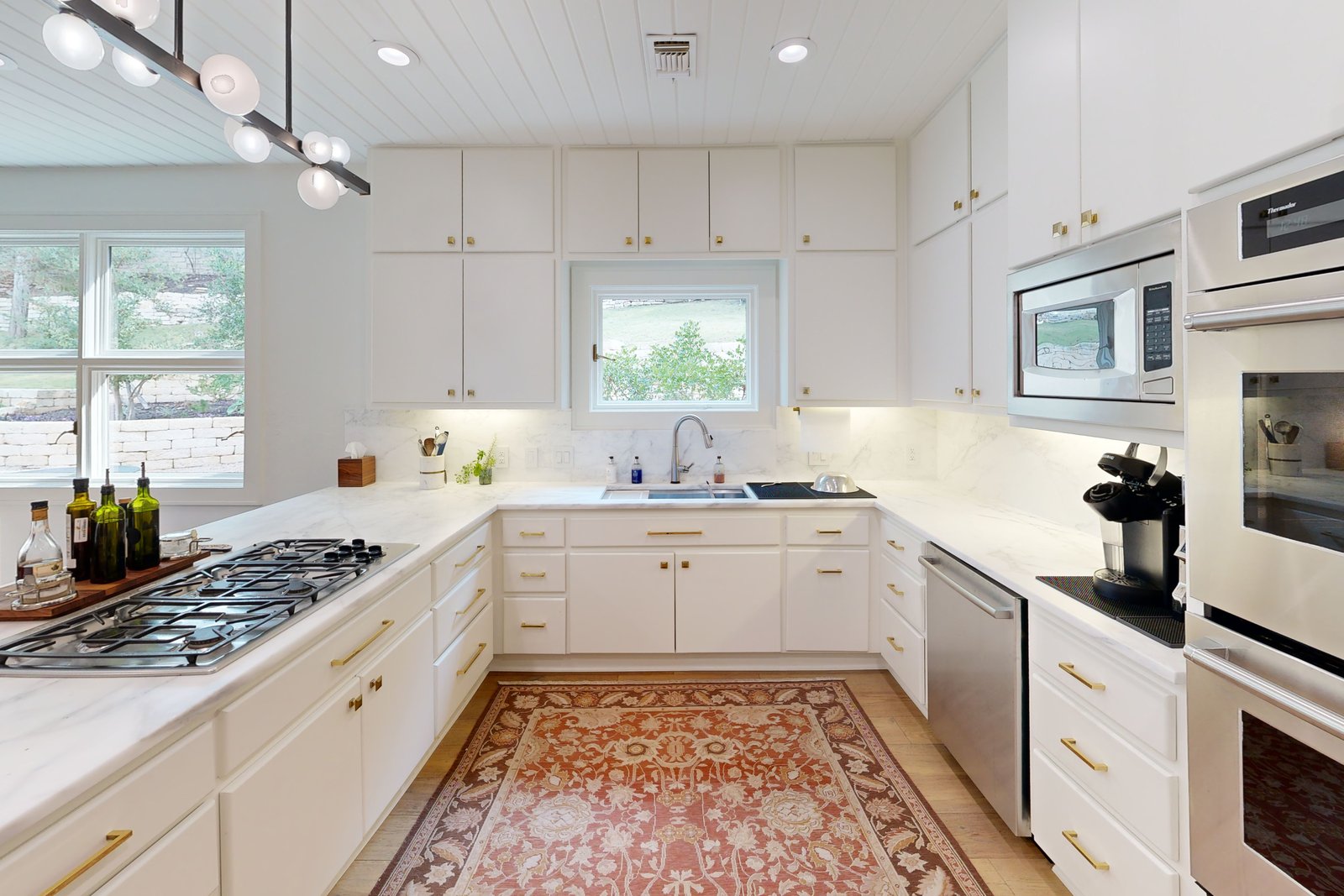
Residential Home Tour. Open the tour in a new tab
Ready to share
Keep the experience straightforward.
Present the whole space.
Stage the rooms and the routes between them before the scan.
Keep the media consistent.
Use photography and a tour that reflect the same presentation.
Make the link easy to find.
Give viewers a clear invitation to move through the home.
Before you book
Put the scan size and handoff in the brief.
Residential Matterport
From $250up to 3,000 sq ft
Additional space: $0.10 per sq ft.
Commercial Matterport
From $450up to 3,000 sq ft
Additional space: $0.10 per sq ft.
Agree on the areas to capture before scan day. Closets are scanned on request, so mention storage or other spaces that matter to the listing instead of assuming they are included in the path.
Floor-plan choices are separate: current pricing lists custom floor-plan work at $25/scan and a Matterport floor-plan add-on at $75/tour. Ask which format fits the project. Confirm hosting duration, embed or direct-link delivery, branded or unbranded sharing, and any requested photography or staging separately through booking. The current tour pricing is the reference for the scope.
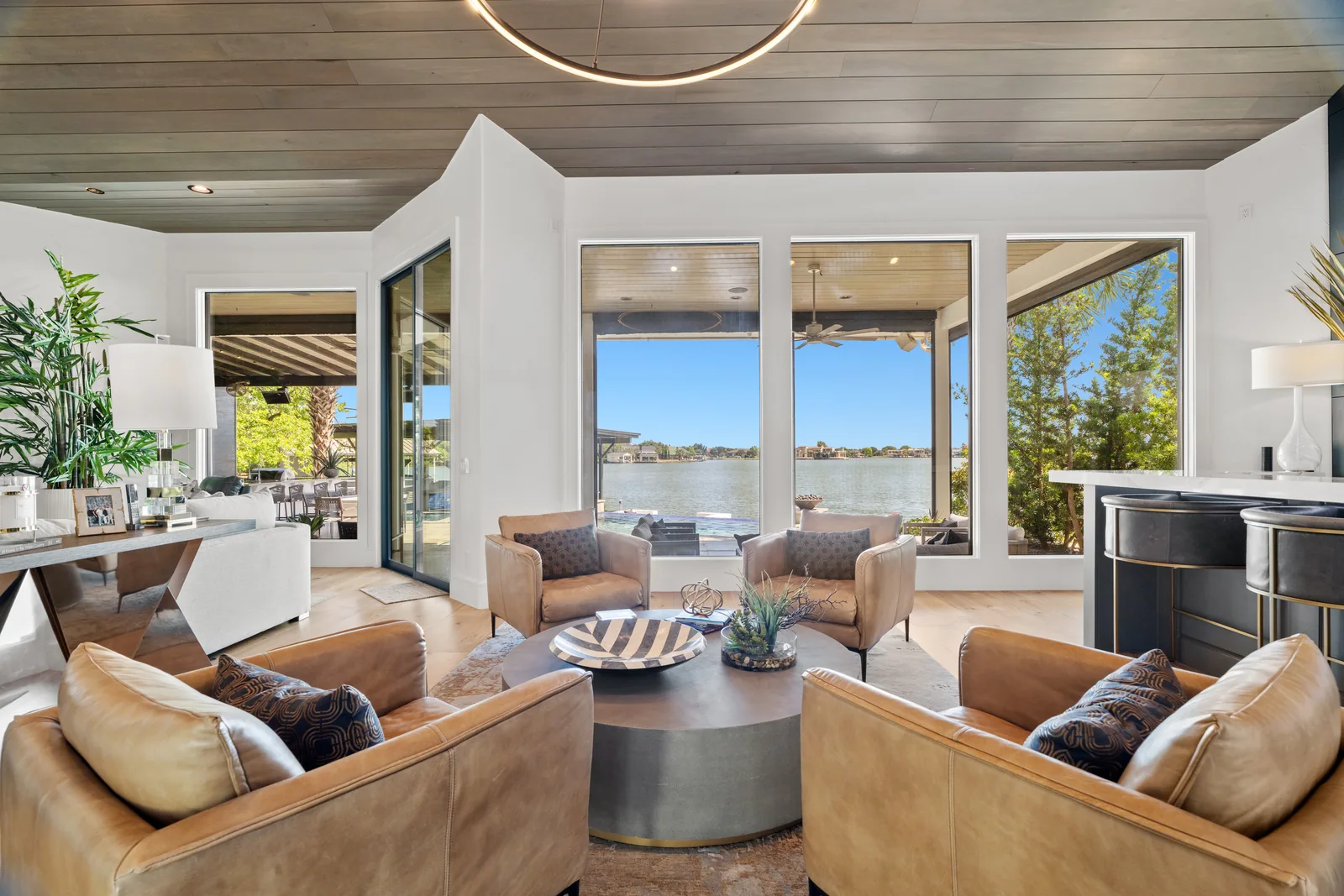
A listing worth exploring
Help the next viewer find their way in.
Plan a 3D tour that belongs alongside the rest of your property’s media.